#Zoom
Zoom meeting tips and integrations
 Video Conferencing
Meetbook vs Tactiq
Meetbook and Tactiq are both no-bot Chrome extensions for Google Meet, Zoom and Teams, but they capture differently: Tactiq transcribes the platform’s live captions, Meetbook records the meeting’s audio. Plans, free tiers and notes compared, prices checked 25 Nov 2026.
Nov 25, 2026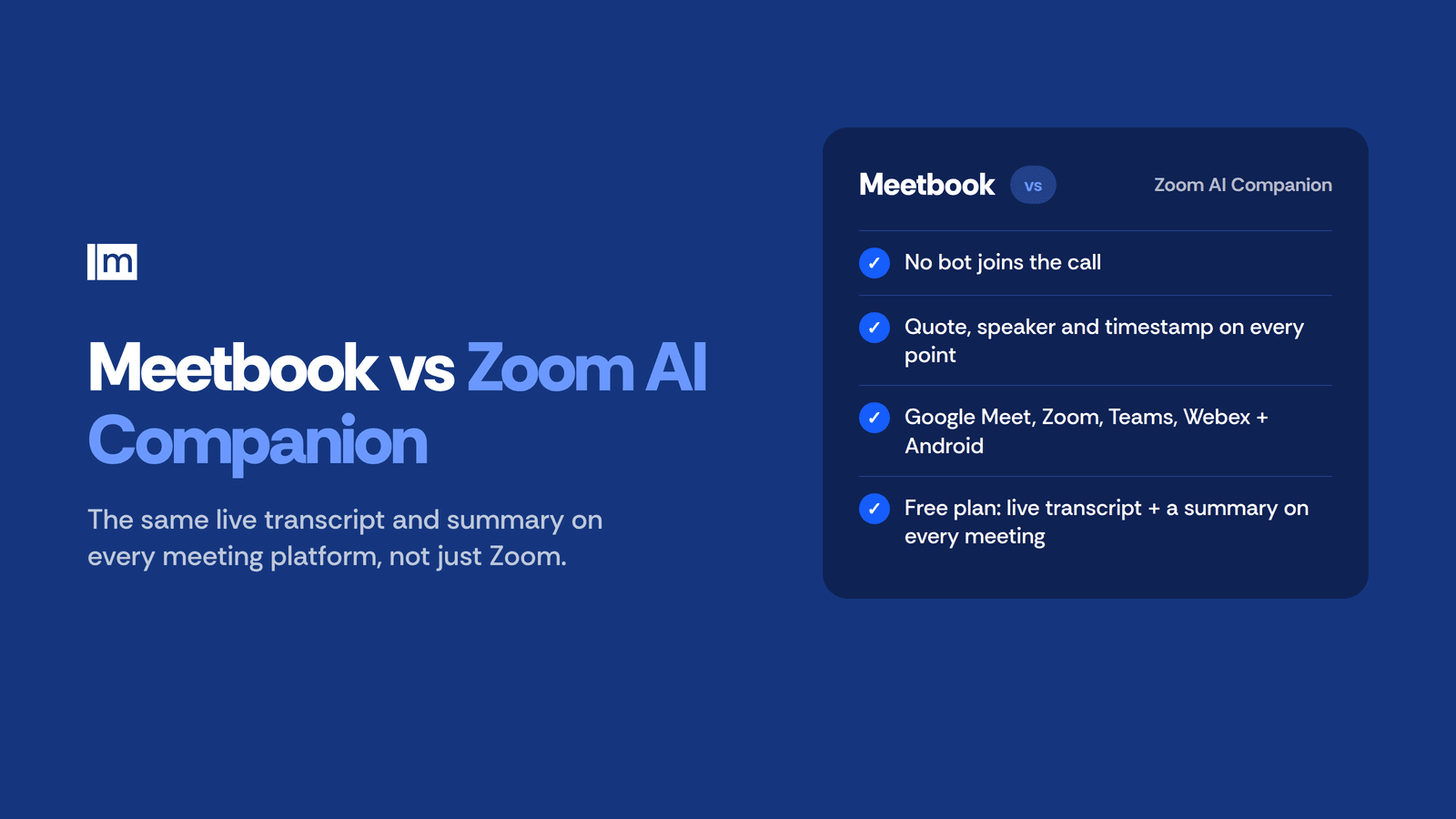 Integrations & Tools
Meetbook vs Zoom AI Companion
Zoom AI Companion is included with paid Zoom plans, but it lives inside Zoom. Meetbook records Google Meet, Zoom, Microsoft Teams and Webex with no bot in the call, and links every point in its notes to a quote, speaker and timestamp. Prices checked 25 Nov 2026.
Nov 25, 2026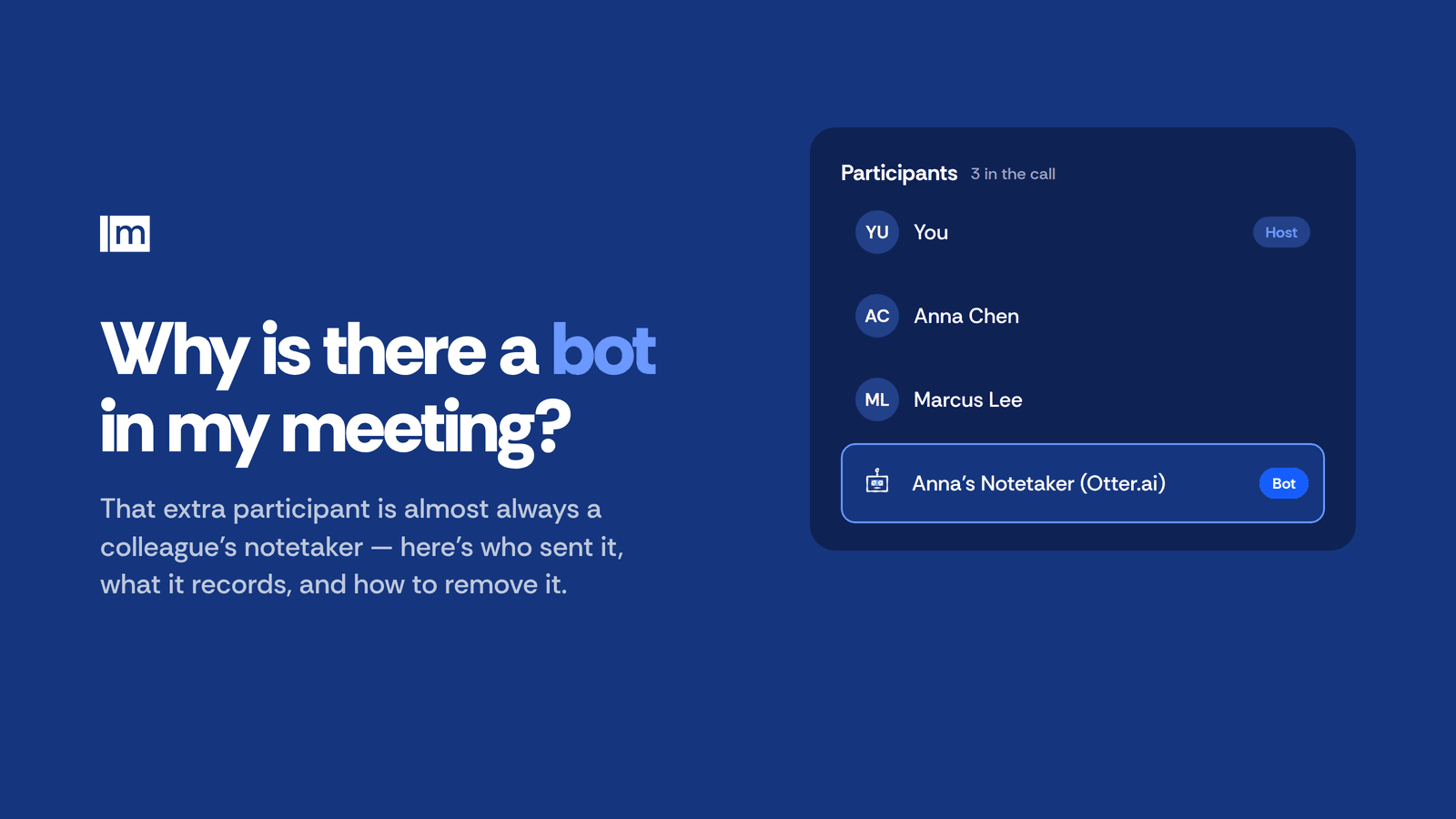 Guides & Tutorials
Why Is There a Bot in My Meeting?
The bot is an AI notetaker a participant connected to the meeting — Otter, Fireflies, Fathom, Read AI, or tl;dv, sent automatically through a synced calendar. What it records, who invited it, and how to remove it.
Nov 22, 2026 Guides & Tutorials
How to Stop Fireflies Joining Your Meetings
The Fireflies notetaker (Fred) joins through a synced calendar. Type /ff leave in the chat to remove it from Zoom, Meet, or Teams, or turn off auto-join in Settings. Steps for stopping it for good, plus org-wide admin blocks.
Nov 22, 2026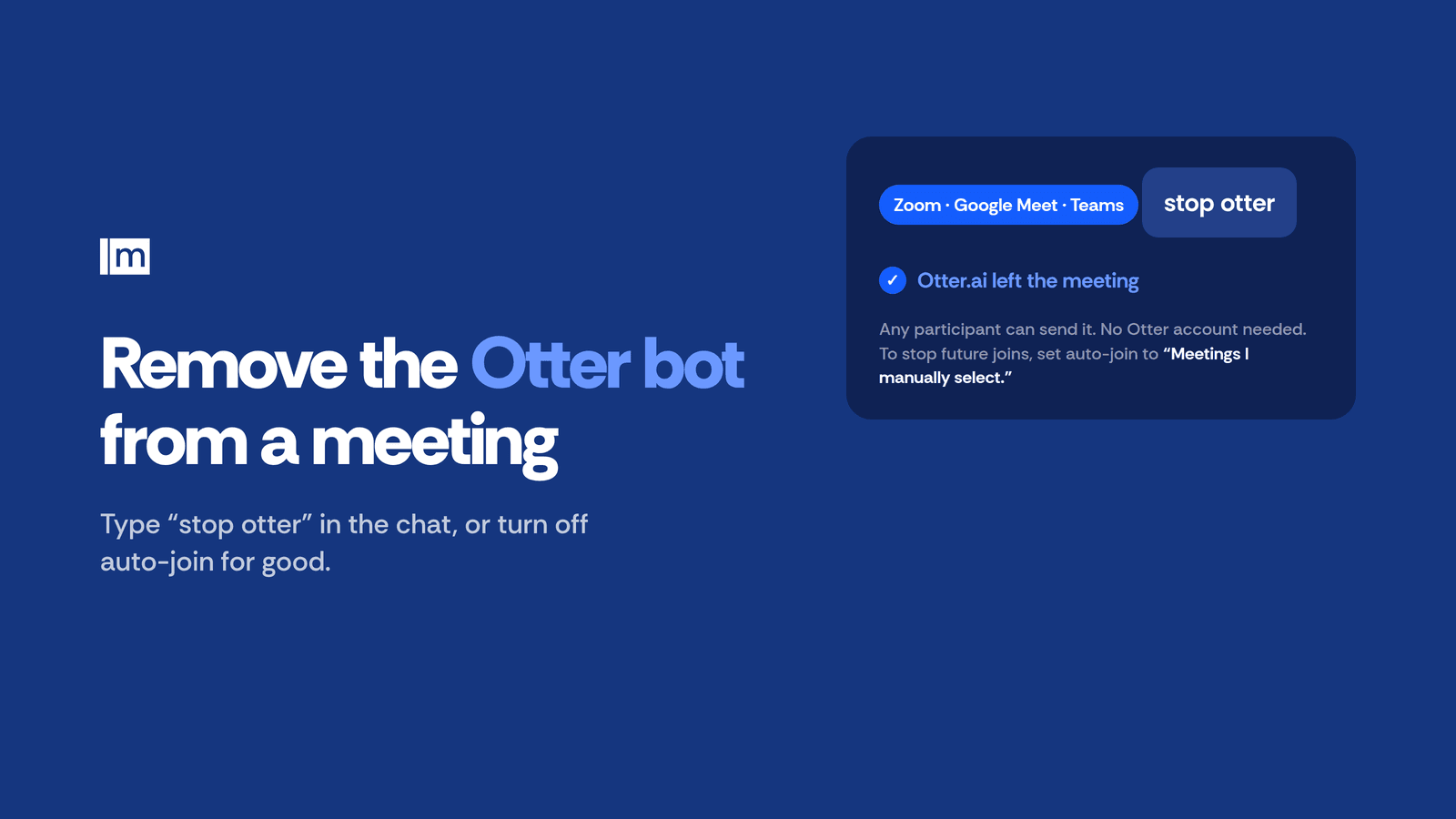 Guides & Tutorials
How to Remove the Otter Bot From a Meeting
The Otter bot joins through a synced calendar, and any participant can remove it by typing 'stop otter' in the chat. Here's how to remove it from Zoom, Google Meet, and Microsoft Teams, stop it auto-joining, and block it org-wide.
Nov 21, 2026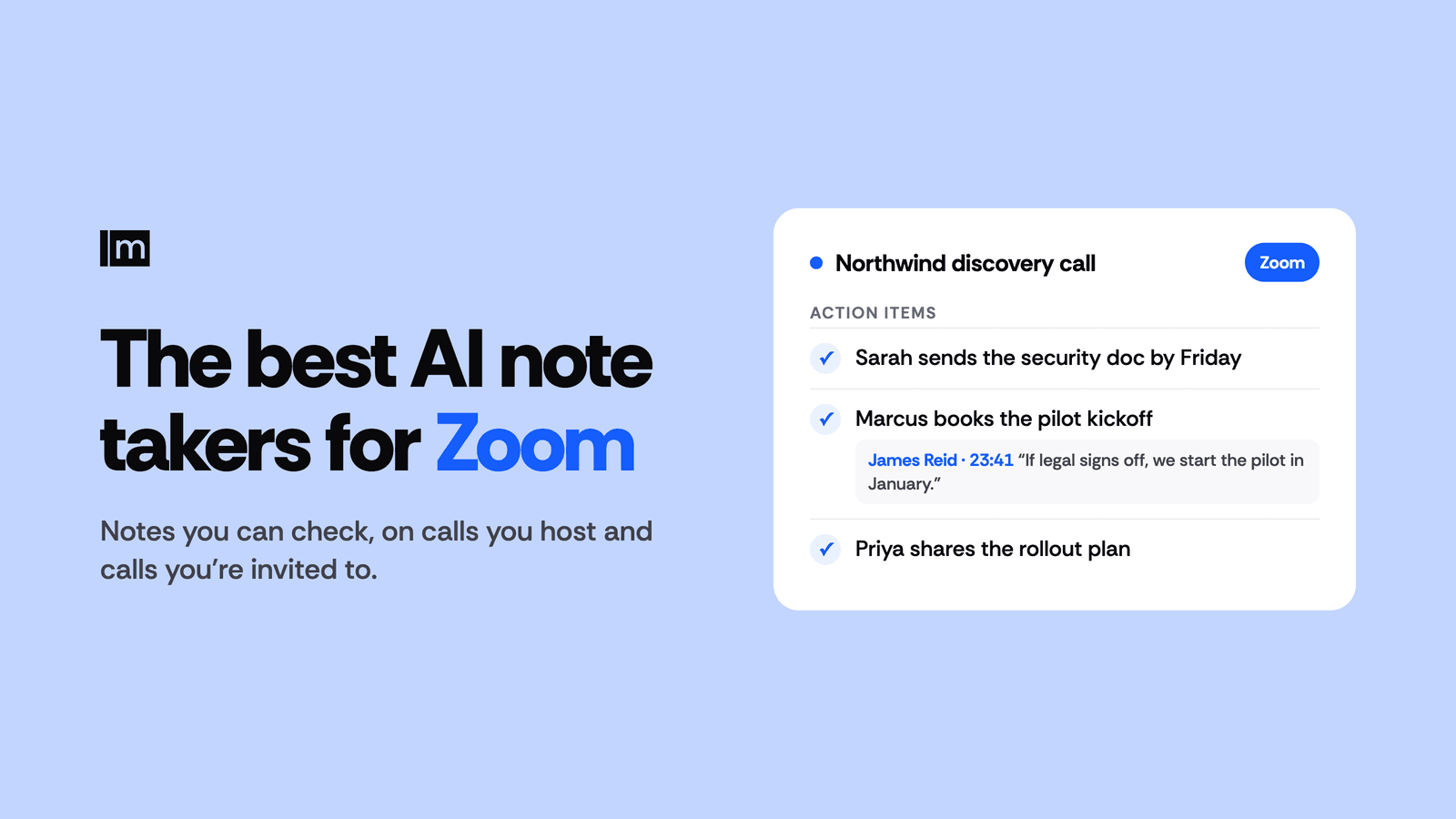 Video Conferencing
Best AI Note Takers for Zoom Meetings in 2026
Six AI note takers for Zoom compared on what matters after the call: notes you can check, calls you don't host, bot or no bot, and what each costs on monthly billing. Prices checked 12 Nov 2026.
Nov 12, 2026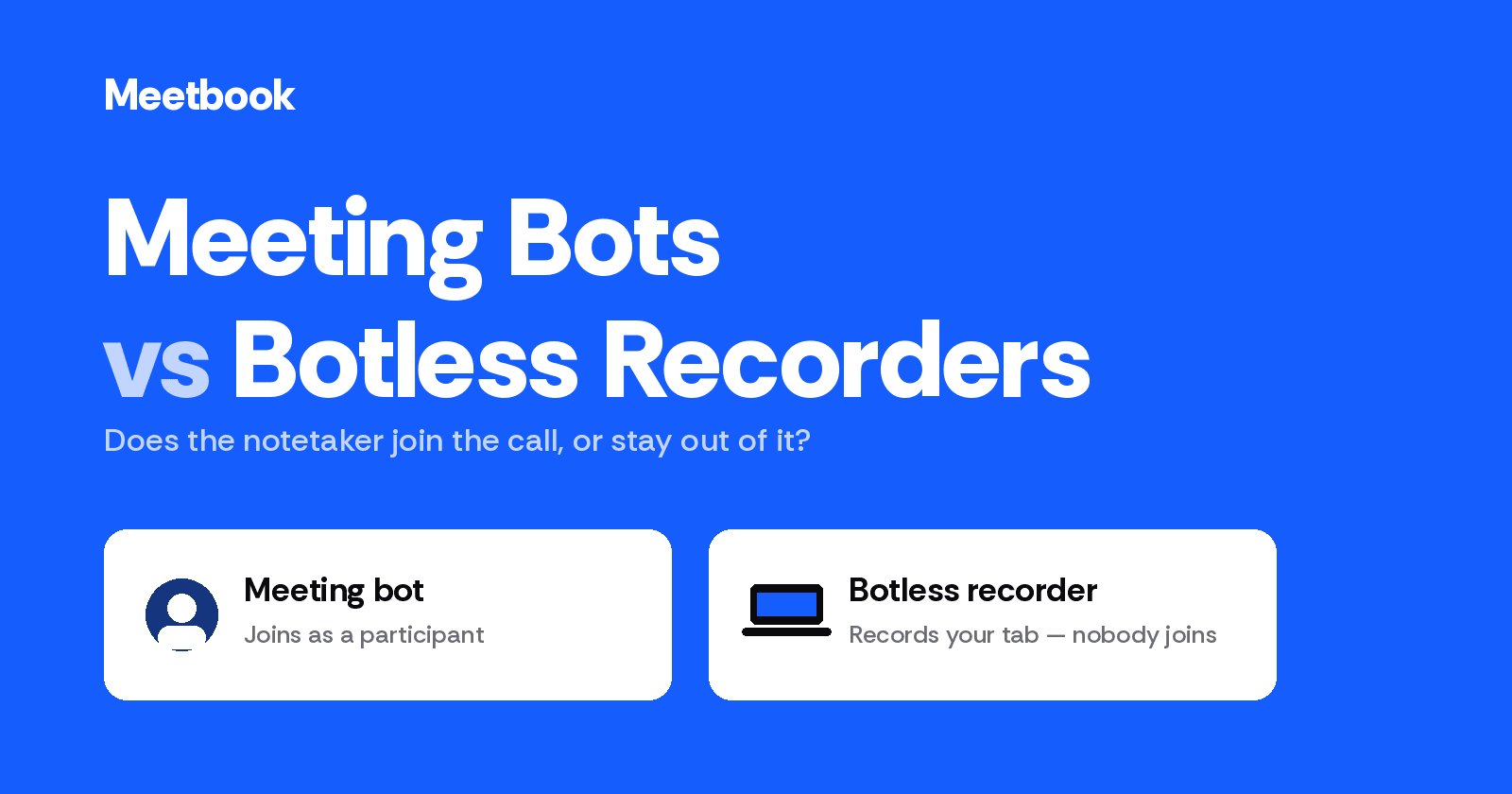 AI & Machine Learning
Meeting Bots vs Botless Recorders
A meeting bot joins your call as a visible participant; a botless recorder captures your tab without joining. Meetbook does both. Here is how each method works, what they see and miss, and which tools do which.
Nov 4, 2026 Video Conferencing
How to Transcribe a Zoom Meeting
Three ways to turn a Zoom meeting into text: live transcription with a notetaker, Zoom's built-in audio transcript, or uploading a recording afterward. Here's which one fits your plan and when you need the text.
Oct 25, 2026 Video Conferencing
How to Summarize a Zoom Meeting
Four ways to summarize a Zoom meeting: Zoom's built-in AI Companion (and its fine print), doing it yourself from the recording, uploading the audio, or a bot-free notetaker that ties every point to a quote and timestamp.
Oct 17, 2026 Video Conferencing
How to Record a Zoom Meeting
Three ways to record a Zoom meeting: local, cloud, or a no-bot AI notetaker. Steps for host and participant, fixes for a greyed-out Record button, and the consent rules.
Oct 12, 2026