
How to Record
Meetings with AI
The complete guide to automatically record,transcribe or summarise.
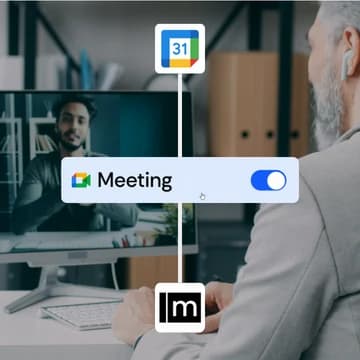
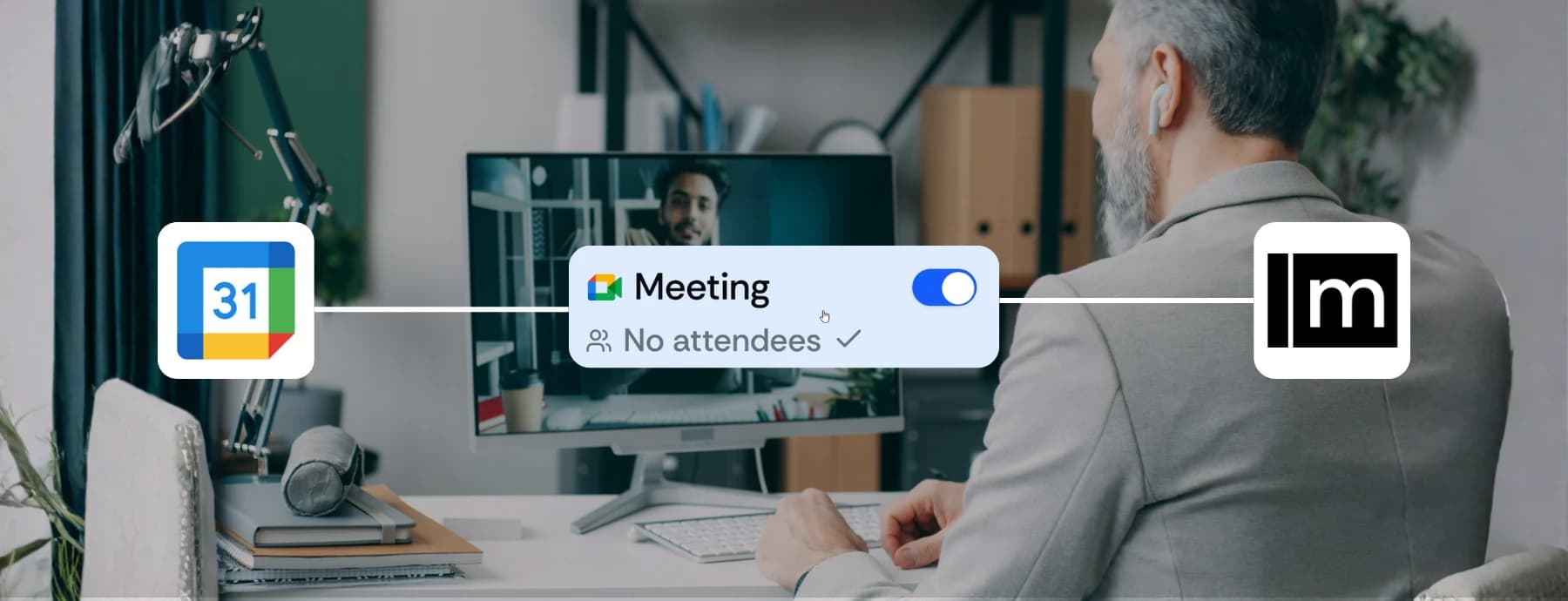
Record Your First
Meeting in 3 Steps
Get up and running in minutes. Connect your calendar and let AI handle the rest.
Sign Up & Connect Your Calendar
Create a free Meetbook account and connect Calendar or Outlook.
Schedule or Join a Meeting
Schedule your meeting in Zoom, Google Meet, or Teams as usual.
Meetbook Records Automatically
Meetbook's AI assistant joins automatically.
Made for every
industry & team

Sales Teams
Next steps synced to your CRM the moment the call ends.

Engineering
Standups and retros documented automatically.

HR & Recruiting
Searchable interview notes your whole team can review.

Marketing
Briefs and quotes auto-extracted from every call.

Customer Success
Renewal signals logged and actioned before the next call.

Legal Teams
Verbatim, compliant transcripts for every consultation.

Healthcare
Notes documented so clinicians focus on patients.

Education
Lectures captured, searchable, ready to build on.
Simple pricing.
Free to start.
What You Get When Recording
with Meetbook
Everything you need to capture, understand, and act on every conversation.
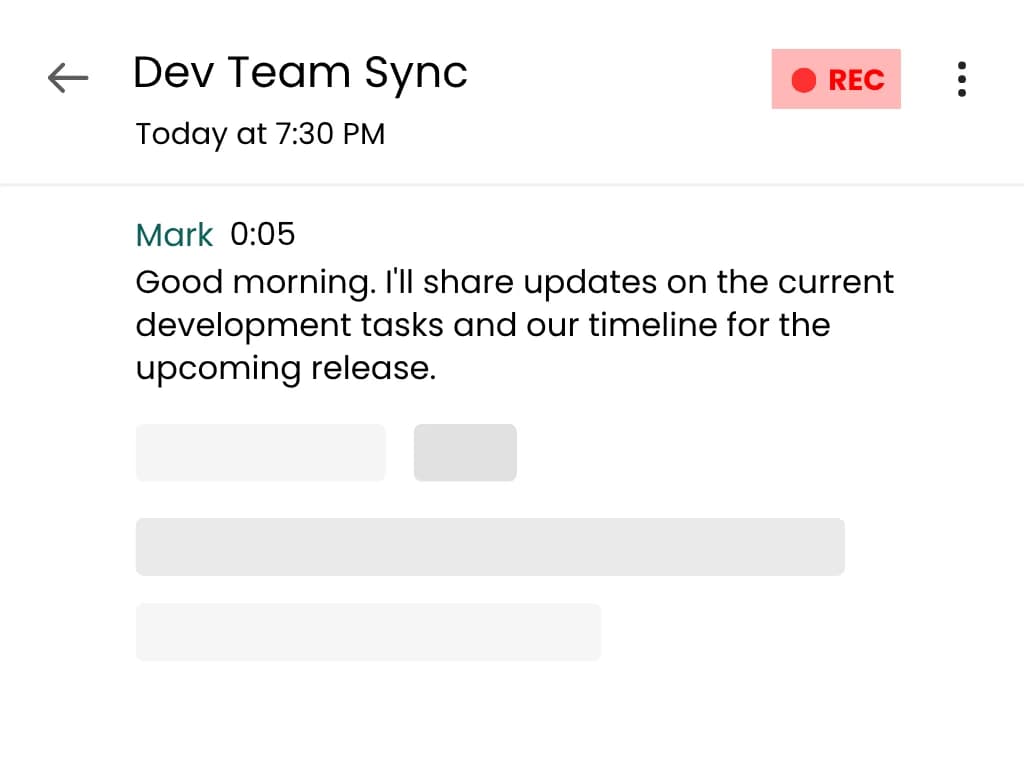
AI Transcription
Get word-for-word transcripts with speaker labels and timestamps.
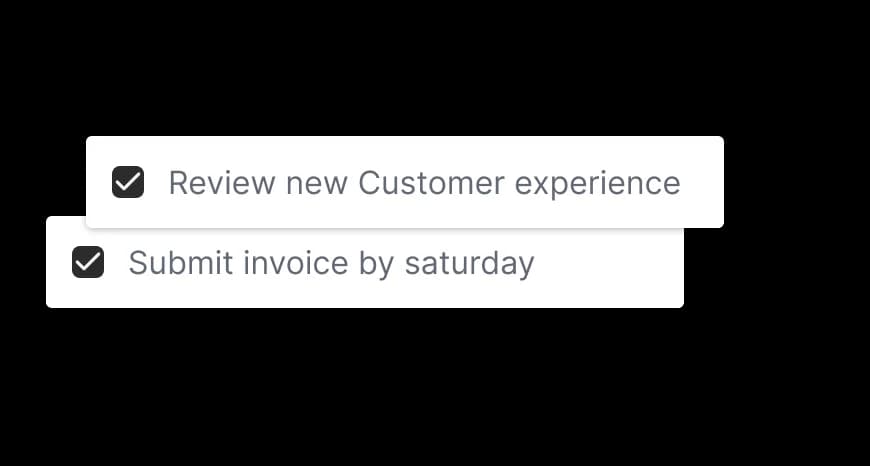
Action Items
Auto-extracted tasks from every meeting.
Share Anywhere
Export to Slack, Notion, and your favorite tools.
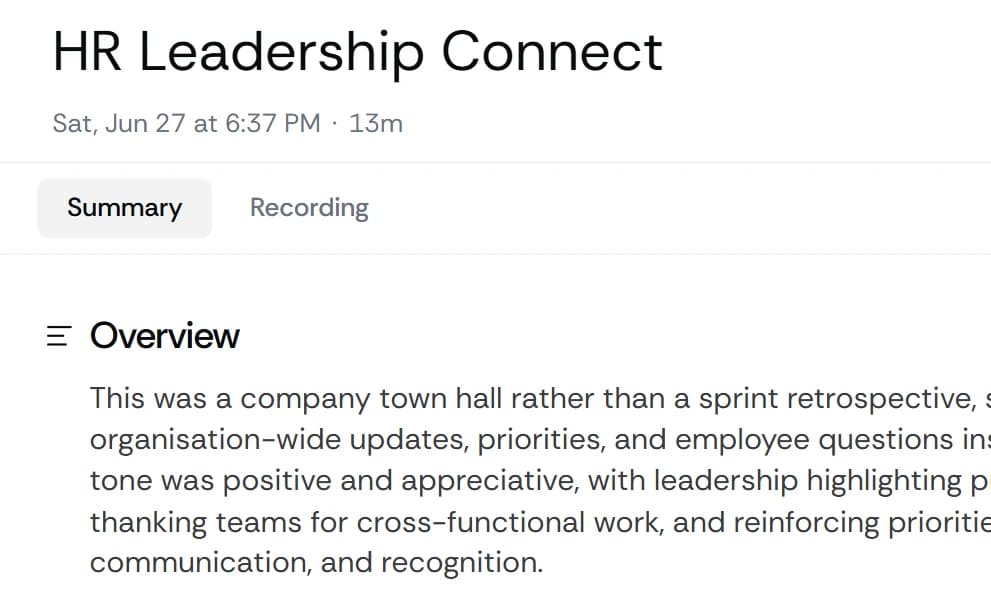
Get word-for-word transcripts of your entire meeting with speaker labels and timestamps. Search through past conversations easily.
Best Practices for
Recording Meetings
Simple habits that make every recording more useful.
Let meeting attendees know they're being recorded. Meetbook announces itself when joining, but it's good practice to mention it at the start.
Professional Workflow
Build good recording habits that scale across your entire organization.
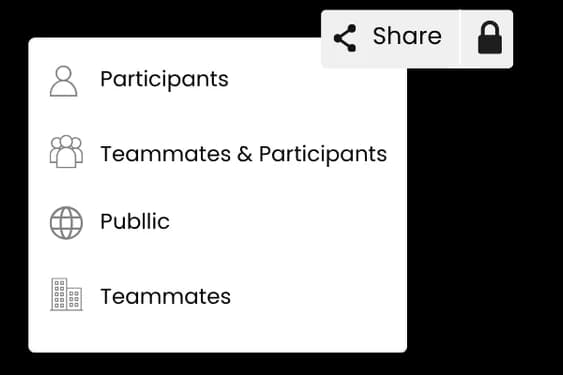
Team Collaboration
Shared meeting notes keep everyone aligned.
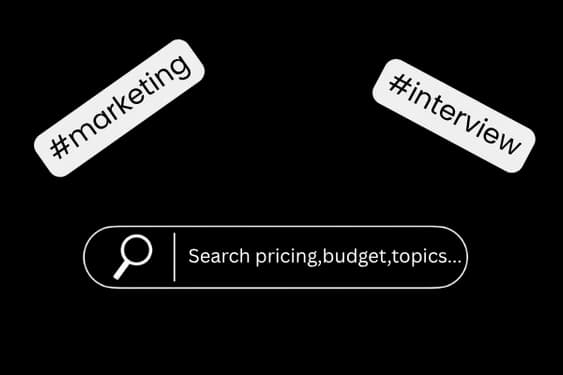
Organized & Findable
Tags and search make retrieval instant.
Built for Google Meet, Zoom,
and Microsoft Teams.
One extension covers all three. Open a dedicated guide for the platform you use most.

Google Meet
Auto-join, record, and transcribe Google Meet calls, then get a summary with decisions and action items.

Zoom
Capture Zoom meetings end to end with speaker-labeled transcripts and instant AI notes.

Microsoft Teams
Record Microsoft Teams calls from the browser and push notes into the tools your team already uses.


