
AI Notetaker
for Google Meet
Connect,Record,summaries
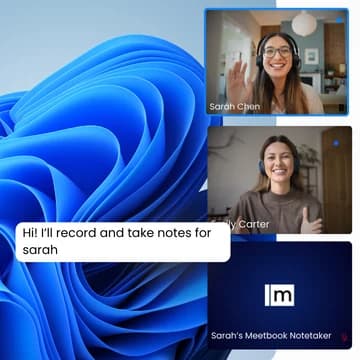
How Meetbook Works
with Google Meet
Three steps from calendar to complete meeting intelligence.
Connect Google Calendar
Meetbook instantly syncs and detects calendar meeting links.

AI Bot Joins Automatically
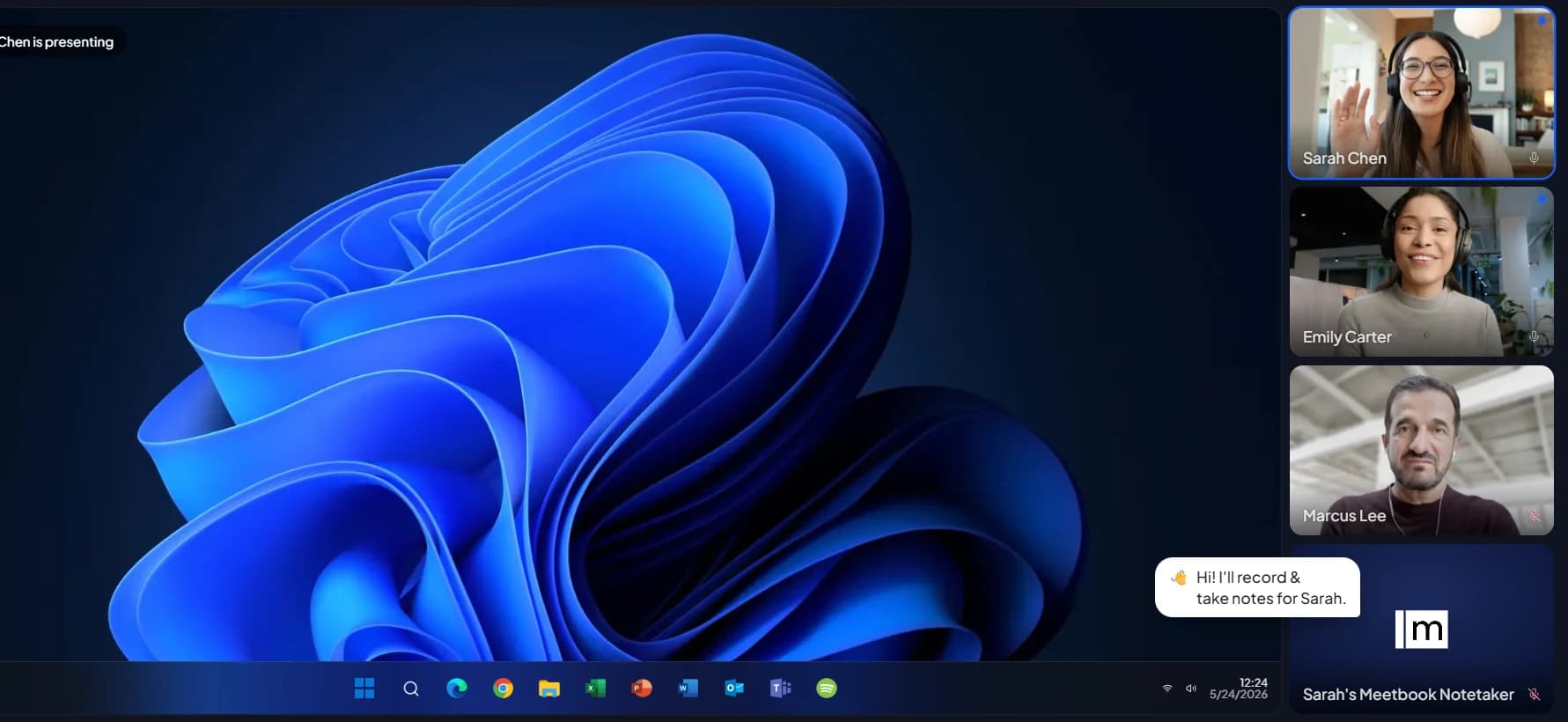
Meetbook Notetaker automatically joins and records your meeting.

AI Processes Everything
AI transcribes, summarizes, and extracts key insights.

Everything You Need
for Google Meet
Built for Google Workspace.
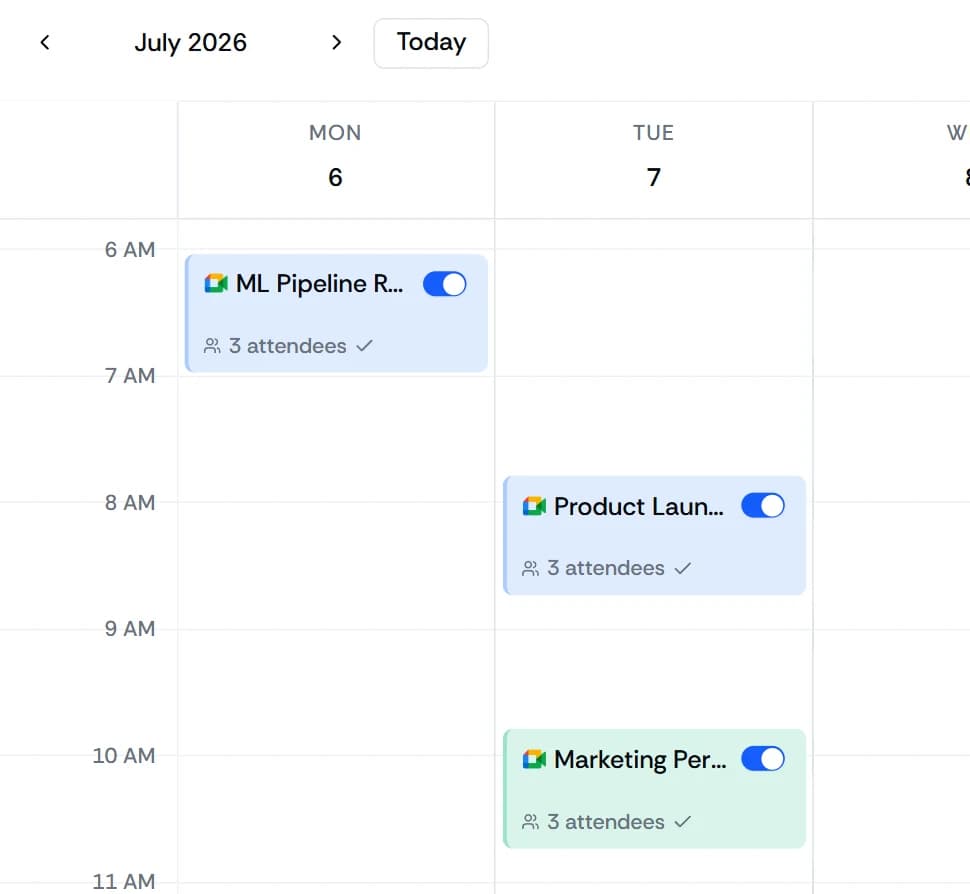
Google Calendar auto-detection. Every meeting, captured.
Meetbook finds every Google Meet. No copy-pasting Meet URLs ever again.
Live transcription as the meeting happens.
Real-time transcript streams so you can follow along live or catch up if you join late.
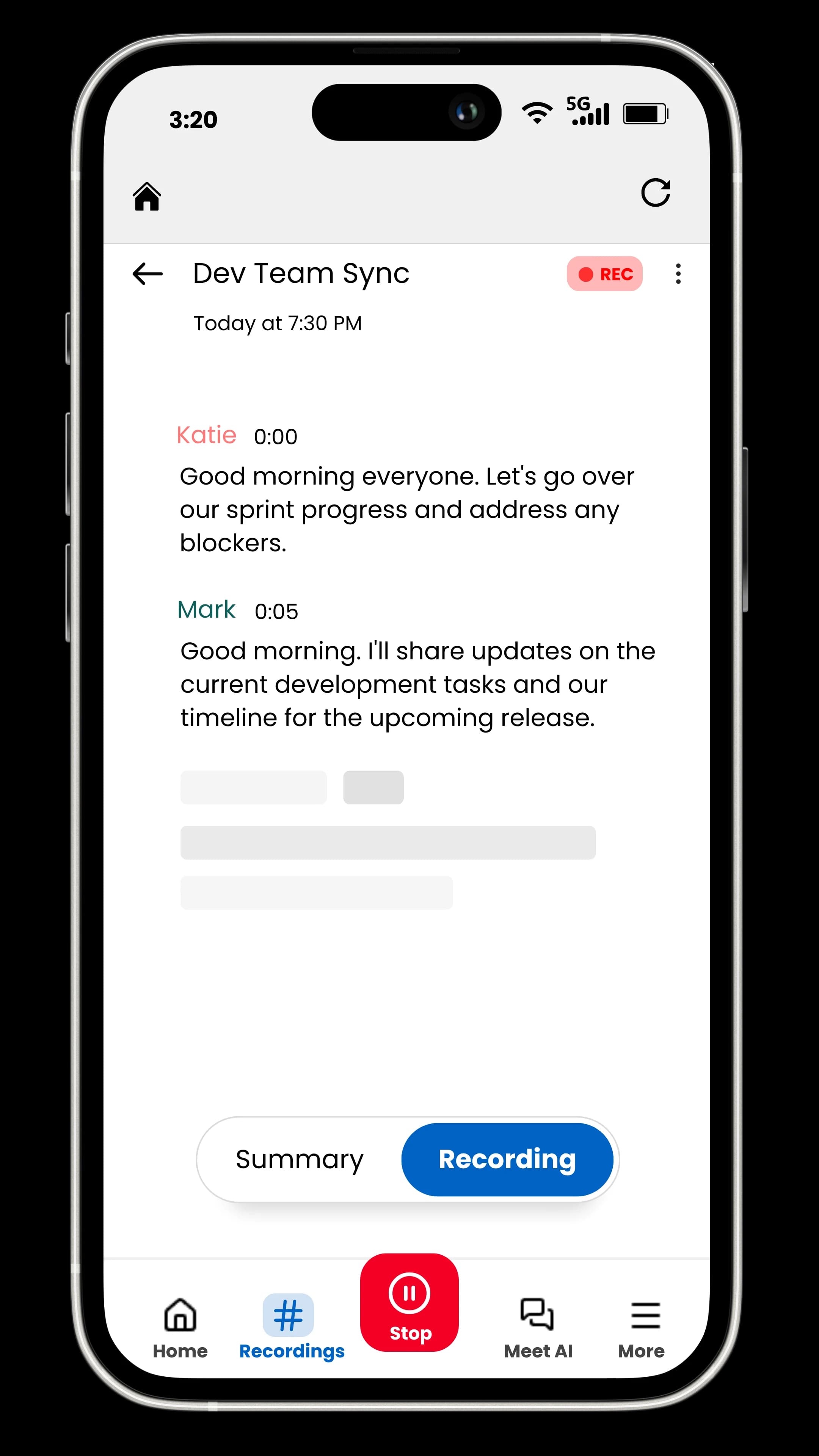
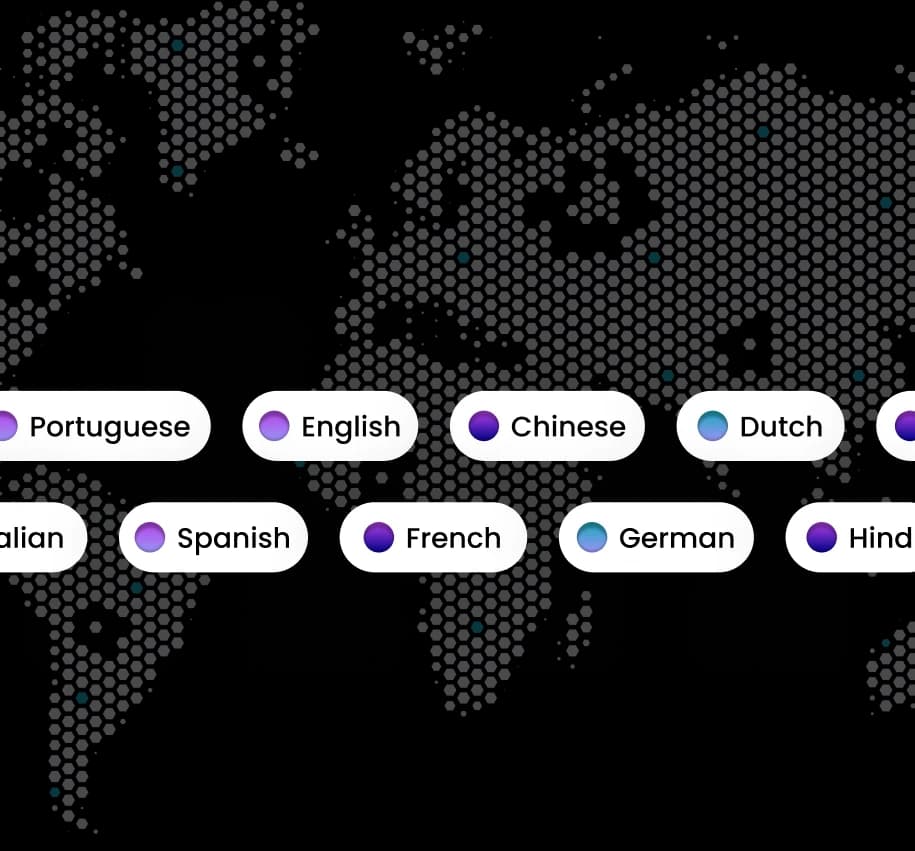
99+ languages with automatic speaker labels.
Every speaker identified and attributed. Accurate in whatever language your team speaks.
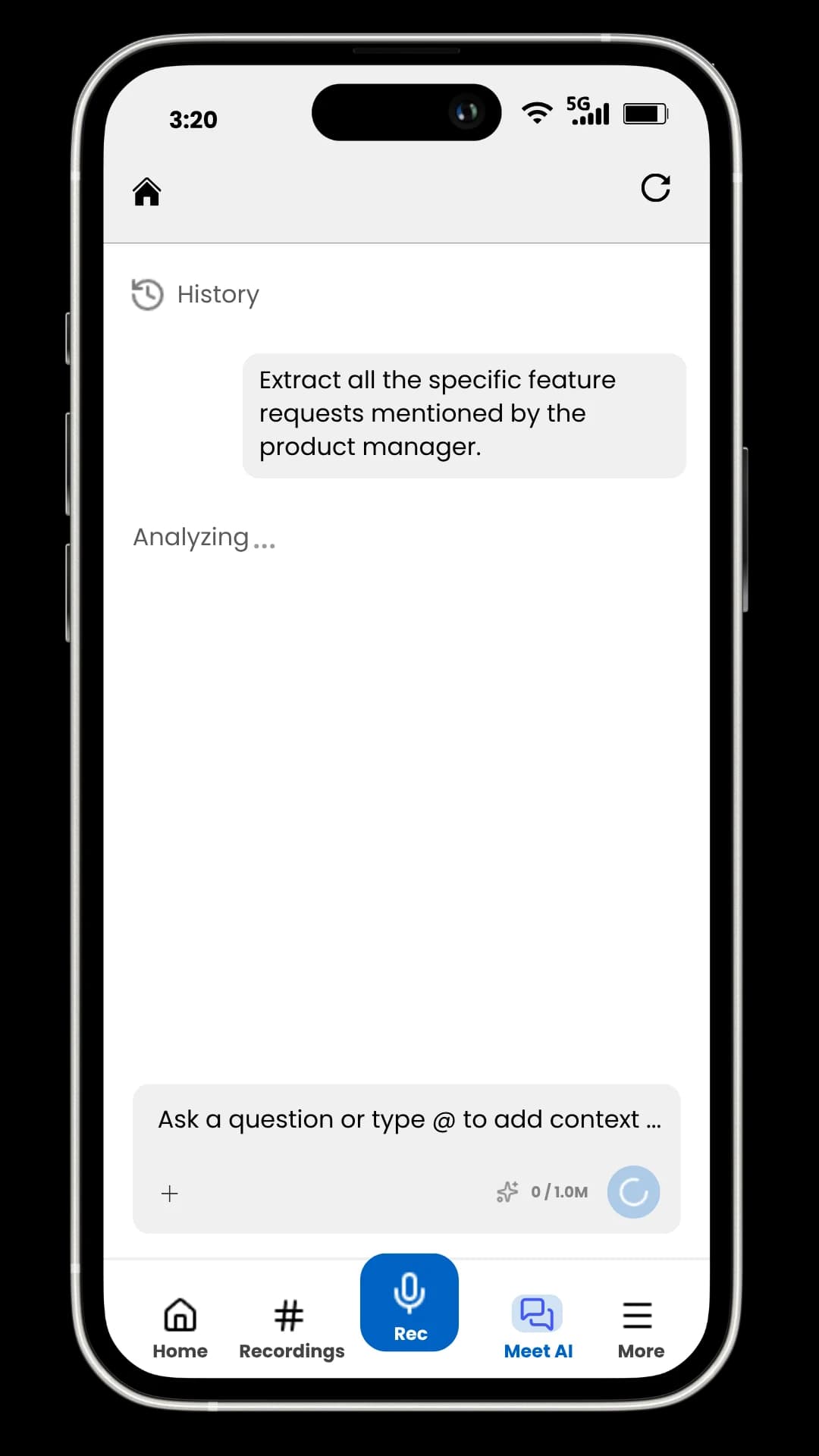
Ask AI anything across all your Google Meet calls.
"What was the Q3 budget decision?" MeetChat answers with cited timestamps from every past recording.
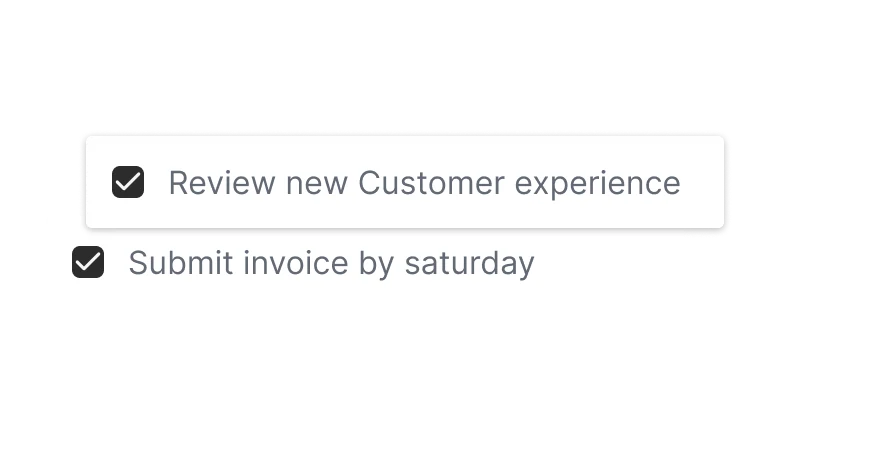
Action items assigned to owners. Automatically.
Tasks, commitments, and follow-ups detected and assigned — with timestamped citations.
Every Google Meet call,
captured.
Send a bot to join from your calendar or record in one click — pick what fits.
Record using Chrome extension.
Works directly from browser on any meeting website.
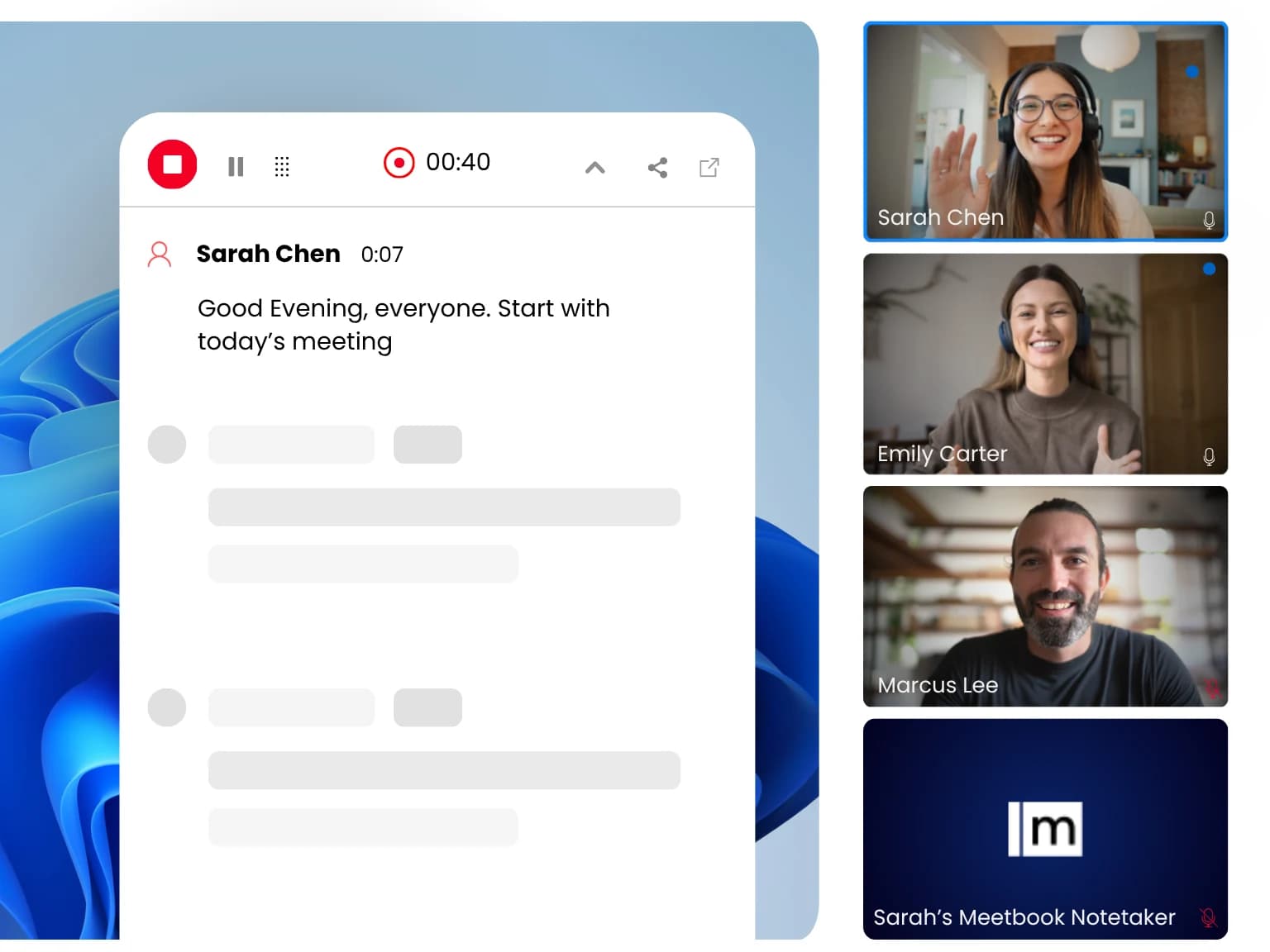
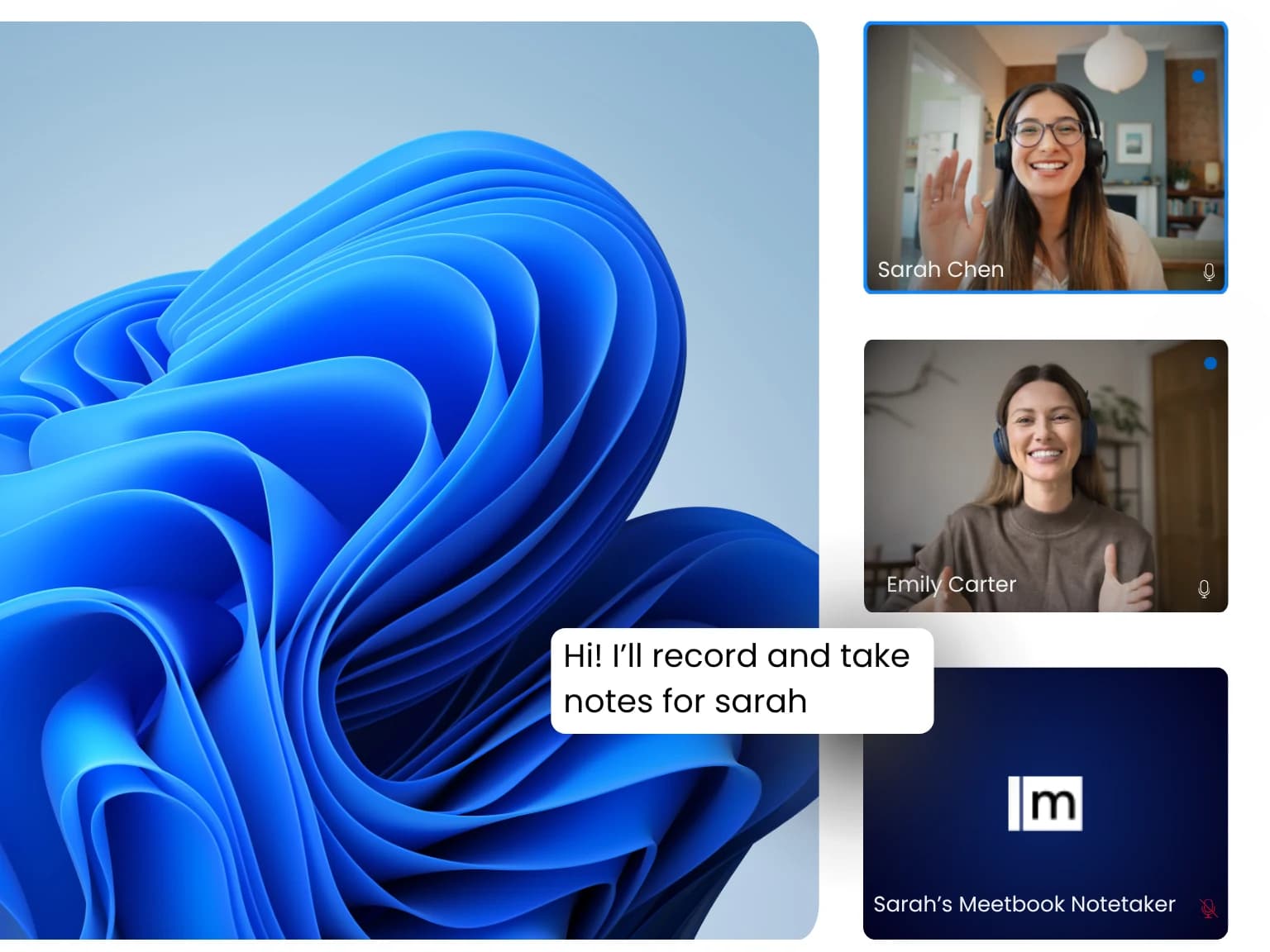
Meetbook Notetaker joins call.
Hands-free. Connects to your calendar and joins automatically.
Built for How Your Team
Uses Google Meet
Every role gets exactly what it needs from every meeting.
Never miss a deal detail again
- Auto-log calls to HubSpot/Salesforce
- Objection and competitor detection
- Win/loss signals
- BANT/MEDDIC extraction
- Deal review summaries







Meeting output, sent where it belongs.
Notes to Notion, tasks to Jira, recordings to Drive. Meetbook routes every meeting to the tools your team runs on.
Loved by teams
across every industry.
Don't take our word for it —
hear from the people using it every day.
Most of my team is on Google Meet all day. Meetbook joins every call and I forget it is there until the summary shows up. That is exactly how I want a tool to work.
Had a contract disagreement with a client. They said one thing was discussed, we said another. Transcript settled it in two minutes.
Getting everyone to take consistent notes across the team was a constant battle. It is not a problem anymore.
We tried three other tools before this one. The others either missed things or needed too much setup. This one just works.
Every renewal conversation I have is logged and summarised. I stopped keeping a separate spreadsheet to track what clients said they needed.
We kept having the same meeting twice because people walked away remembering different things. That stopped happening.
Made for every
industry & team

Sales Teams
Next steps synced to your CRM the moment the call ends.

Engineering
Standups and retros documented automatically.

HR & Recruiting
Searchable interview notes your whole team can review.

Marketing
Briefs and quotes auto-extracted from every call.

Customer Success
Renewal signals logged and actioned before the next call.

Legal Teams
Verbatim, compliant transcripts for every consultation.

Healthcare
Notes documented so clinicians focus on patients.

Education
Lectures captured, searchable, ready to build on.
Simple pricing.
Free to start.
Google Meet Notetaker
questions, answered.
Auto-join, privacy, pricing, Google Workspace — everything you need before you connect your calendar.
Connect Google Calendar via OAuth (30 seconds). Meetbook detects every Google Meet link automatically. At meeting time, a visible AI bot joins, records, and transcribes. Within 2 minutes of the call ending, you receive a structured summary, action items, speaker-labeled transcript, and notes delivered to Slack, Notion, or Google Drive.
Yes. The Free plan includes 300 minutes/month — enough for 6–10 average meetings. Transcription, AI summaries, action items, speaker labels, Google Calendar sync, Chrome extension, and Ask AI are all included free. Upgrade to Pro ($13.99/mo) for 900 min, advanced AI features (Second Brain, pre-meeting prep), and 10 integrations.
For the calendar-based auto-join flow: yes, a visible AI participant joins the call. All attendees see it in the participant list — no stealth recording. The bot does not share video or screen and can be removed anytime. Alternatively, use the Meetbook Chrome Extension for bot-free recording from within your browser tab.
Yes — live transcription streams during the call. You can open your Meetbook dashboard to follow the transcript in real time. The full AI summary, action items, and structured notes arrive approximately 2 minutes after the call ends.
Yes. Meetbook integrates natively with Google Calendar (for auto-detection), Google Drive (auto-save transcripts and summaries), and Google Docs (auto-create meeting notes documents). It works with personal Gmail accounts and Google Workspace accounts equally.
No installation required for the bot-join flow. Connect your Google Calendar via OAuth and Meetbook handles the rest. The Chrome Extension is optional — it enables bot-free, one-click recording from inside any browser-based Google Meet tab.
Yes. As long as the meeting appears on your Google Calendar (or you have the Meet link), Meetbook can join. You don't need to be the host or have host-level permissions.
Stored encrypted on Meetbook servers (SOC 2 compliant, end-to-end encryption). Accessible from your Meetbook dashboard. If configured, summaries are also auto-saved to Google Drive. You control retention — delete any recording permanently at any time.
Google Meet's built-in transcription requires a Business Standard or higher Workspace plan, supports limited languages, and delivers only raw transcripts. Meetbook adds speaker diarisation, AI-generated summaries, action item extraction, Second Brain memory, Ask AI chat across all calls, and works with any Google account — including free Gmail.
Yes. The bot appears in the participant list as a named participant (e.g., "Meetbook Notetaker"). All attendees know recording is happening. The bot does not share video or screen. You can remove it at any time, and you can configure its display name.


