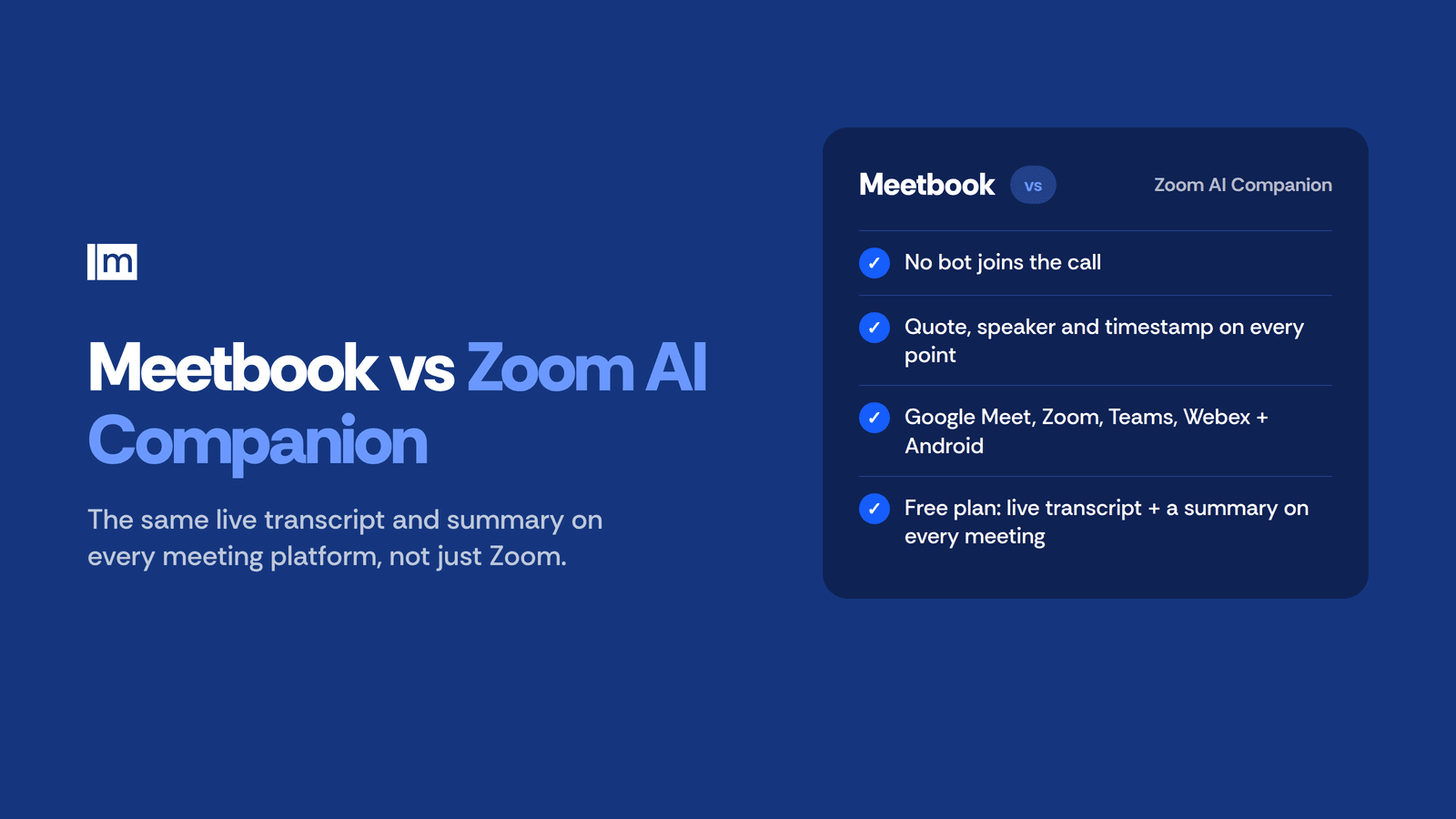
Meetbook vs Zoom AI Companion
The short answer: Zoom AI Companion is Zoom's built-in meeting assistant, now part of what Zoom calls "Zoom AI". It writes a meeting summary with smart chapters and action items, and answers questions during the call such as "Catch me up" and "What are the action items?". Zoom AI Companion is included at no extra cost in every paid Zoom Workplace plan, and Zoom's free Basic plan limits it to three meeting summaries a month. Meetbook is a dedicated AI notetaker that records the meeting audio from the browser tab with no bot in the call, then writes a summary and action items with owners where every point links to its quote, speaker and timestamp. Zoom AI Companion runs inside Zoom meetings, while Meetbook records Google Meet, Zoom, Microsoft Teams and Webex from one Chrome extension, plus in-person meetings from its Android app. Meetbook's Free plan includes the live transcript and a summary on every meeting, and its paid Solo plan starts at $13.99 a month, under Zoom's Pro plan at $16.99 a month. (Prices checked 25 Nov 2026.)
The difference is what you end up with after the call: Zoom turns a Zoom meeting into a tidy summary, and Meetbook turns any meeting into searchable, quotable evidence.
At a glance
| Meetbook | Zoom AI Companion | |
|---|---|---|
| Free plan | Free: 300 recording minutes a month, live transcript plus a summary and action items on every meeting | Basic (free): three meeting summaries a month |
| Starting paid price | $13.99/mo (Solo) | $16.99/mo (Pro, monthly) or $14.16/mo (annual) |
| Bot in the call? | No bot, it records from the browser tab (plus a calendar notetaker that joins as a participant) | No third-party bot, it is built into Zoom |
| Platforms | Google Meet, Zoom, Microsoft Teams, Webex, plus Android for in-person meetings | Zoom meetings (Zoom's separate My Notes adds Google Meet and Microsoft Teams) |
| Notes evidence | Every point links to its quote, speaker and timestamp | Structured summary, smart chapters and action items |
| Action items | With owners | Listed in the summary |
| Ask AI during the call | Yes, Catch me up, Summarize so far, Draft a reply, Action items | Yes, Catch me up, Was my name mentioned?, Action items |
Zoom pricing is from Zoom's pricing page; Meetbook pricing is from Meetbook's pricing page. Both checked 25 Nov 2026.
What is Zoom AI Companion?
Zoom AI Companion is the assistant Zoom built into its own products. It listens to a Zoom meeting and produces a summary, "smart chapters" that split the call into sections, and action items, and it can answer questions about the meeting while it runs. Zoom's preset questions include "Catch me up", "Was my name mentioned?" and "What are the action items?", which is how a late joiner gets up to speed without asking anyone to repeat themselves.
Because it is built in, Zoom AI Companion does not appear as a third-party participant and there is no separate app to install. The constraint is the word "Zoom": the in-meeting assistant lives in Zoom's own products. Meetbook takes the opposite approach. It is a notetaker first, built to sit on top of whichever meeting tool you already use, so the same transcript and summary follow you across platforms instead of staying inside one vendor's room.
Which Zoom plans include AI Companion, and what does it cost?
Zoom bundles AI Companion features into every paid Zoom Workplace plan at no extra cost. Zoom Pro is $16.99 per user per month billed monthly, or $14.16 per user per month billed annually. Zoom Business is $21.99 per user per month billed monthly, or $18.33 per user per month billed annually. Zoom's free Basic plan gets a taste, three meeting summaries a month, but full summaries and in-meeting questions require a paid plan. (Prices checked 25 Nov 2026.)
Meetbook prices the notetaker, not the video room. Meetbook Free includes 300 recording minutes a month, the live transcript, and a summary and action items on every recorded meeting, with no card. Meetbook Solo is $13.99 a month, and Meetbook Business is $29.99 per seat per month. If you already pay for a meeting platform and only want the notes, Meetbook starts cheaper than Zoom Pro. For a fuller breakdown of how Zoom's plans and AI pricing work, read Zoom AI Notetaker, Explained.
Does Zoom AI Companion join your meeting as a bot?
No. Zoom AI Companion is native to Zoom, so it never shows up as a separate participant the way third-party notetaker bots do. Meetbook also records with no bot in the call: its Chrome extension captures the meeting audio from the browser tab, so nobody sees a participant join, and it does that on Google Meet, Zoom, Microsoft Teams and Webex rather than only inside Zoom. Meetbook also has a calendar notetaker that joins as a participant for the meetings you want covered automatically.
Both tools avoid the "who is this bot?" moment. The difference is scope: Zoom's no-bot assistant works in Zoom, and Meetbook's works across platforms. For the fuller picture of bots versus botless recording, see Meeting Bots vs Botless Recorders and How to Record a Zoom Meeting.
Does Zoom AI Companion work in Google Meet, Teams or Webex?
Zoom AI Companion's in-meeting features run inside Zoom. For a Google Meet, Microsoft Teams or Webex call, Zoom's assistant is not in the room. Zoom has separately extended its note-taking: its My Notes feature and AI meeting summary now also capture Google Meet and Microsoft Teams conversations, and it lists note-taking for third-party and in-person conversations on its pricing page. But the in-meeting "Catch me up" experience people search for is a Zoom-meeting feature.
Meetbook is built for a mixed-platform week. One Chrome extension covers meet.google.com, zoom.us, teams.microsoft.com and webex.com, so the same live transcript, Ask AI and summary work whether your day is three Zooms and a Google Meet or a Teams call and a Webex demo. For the meeting that is not on a screen at all, a coffee with a buyer or a site visit, Meetbook's Android app records from the phone and returns the same summary and action items. To see how the extension works on Zoom specifically, read How to Summarize a Zoom Meeting.
What do the notes look like, Zoom vs Meetbook?
A Zoom AI Companion summary is a tidy recap: an overview, smart chapters and a list of action items. It is built for skimming what happened.
Meetbook's notes are built for evidence. Every point in the summary and action items carries the quote it came from, with the speaker's name and a timestamp, and you can click any word in the transcript to jump the recording to that moment. When a buyer says "we will sign in Q2", that line lands in the notes with who said it and when, which is what you want when you follow up or when someone says "I never said that". Meetbook's action items also come with owners, so a meeting ends with a named person against each task instead of a list of "TBDs".
Picture a discovery call: the buyer names a budget, a timeline and an objection within the same two minutes. Meetbook's transcript captures all three verbatim, and the summary links each to its quote, speaker and timestamp, so the follow-up email can cite the buyer's own words and the action item carries an owner. That is the difference between a recap you skim and notes you can quote back.
What languages does each one transcribe in?
Meetbook's live transcript auto-detects the language and transcribes word by word in about 50 languages, so a meeting that drifts between languages, or a global team recording a call where not everyone speaks the same language, still lands in the notes. Zoom's translated captions, by contrast, sit on Zoom's Enterprise plan, per Zoom's pricing page. (Checked 25 Nov 2026.)
Which one should you pick?
If every meeting you run already happens in Zoom and you pay for Zoom Workplace, Zoom AI Companion is already included, and it summarizes those calls at no extra cost. Meetbook is the choice when the notes need to follow you everywhere else: a Google Meet with a prospect, a Teams standup, a Webex vendor call, or a meeting that happens in a room instead of on a screen. Meetbook also keeps an evidence trail Zoom's summary does not, with every point linked to its quote, speaker and timestamp and every action item carrying an owner. It starts on a free plan that includes the transcript and a summary on every meeting, with no card.
Take notes on every meeting, not just ZoomFree plan, no card needed.Try it free
FAQ
Does Zoom AI Companion cost extra?
No. It is included at no additional cost with paid Zoom Workplace plans, Pro and above. Zoom's free Basic plan limits it to three meeting summaries a month. (Prices checked 25 Nov 2026.)
Is Zoom AI Companion free?
Partially. Zoom's free Basic plan includes three meeting summaries a month, but full summaries and in-meeting questions need a paid Zoom plan, starting at $16.99 per user per month for Pro, billed monthly.
Does Zoom AI Companion join as a bot?
No. It is built into Zoom, so it does not appear as a separate participant in the meeting.
Does Zoom AI Companion work in Google Meet or Microsoft Teams?
Not as the in-meeting assistant. Zoom AI Companion runs inside Zoom meetings. Zoom's separate My Notes note-taker captures Google Meet and Microsoft Teams, but the in-call summary and questions are a Zoom-meeting feature.
Does Meetbook record with no bot in the call?
Yes. Meetbook's Chrome extension records the meeting audio from the browser tab, so no bot joins, and it works on Google Meet, Zoom, Microsoft Teams and Webex. Meetbook also has a calendar notetaker that joins as a participant when you want it to.
How much does Meetbook cost?
Meetbook Free includes 300 recording minutes a month, the live transcript, and a summary and action items on every meeting, with no card. Paid plans start at $13.99 a month with Solo; Business is $29.99 per seat per month. (Prices checked 25 Nov 2026.)
Can Meetbook transcribe Zoom meetings?
Yes. Meetbook records Zoom meetings from the browser tab, and the Meetbook desktop app records the Zoom desktop app by capturing the computer's audio. Both routes give you a live transcript, Ask AI during the call, and a summary with action items after.
What platforms does Meetbook work on?
Google Meet, Zoom, Microsoft Teams and Webex through the Chrome extension, plus in-person meetings through the Android app. Meetbook also connects to Slack and Notion for delivering summaries, on Solo and above.