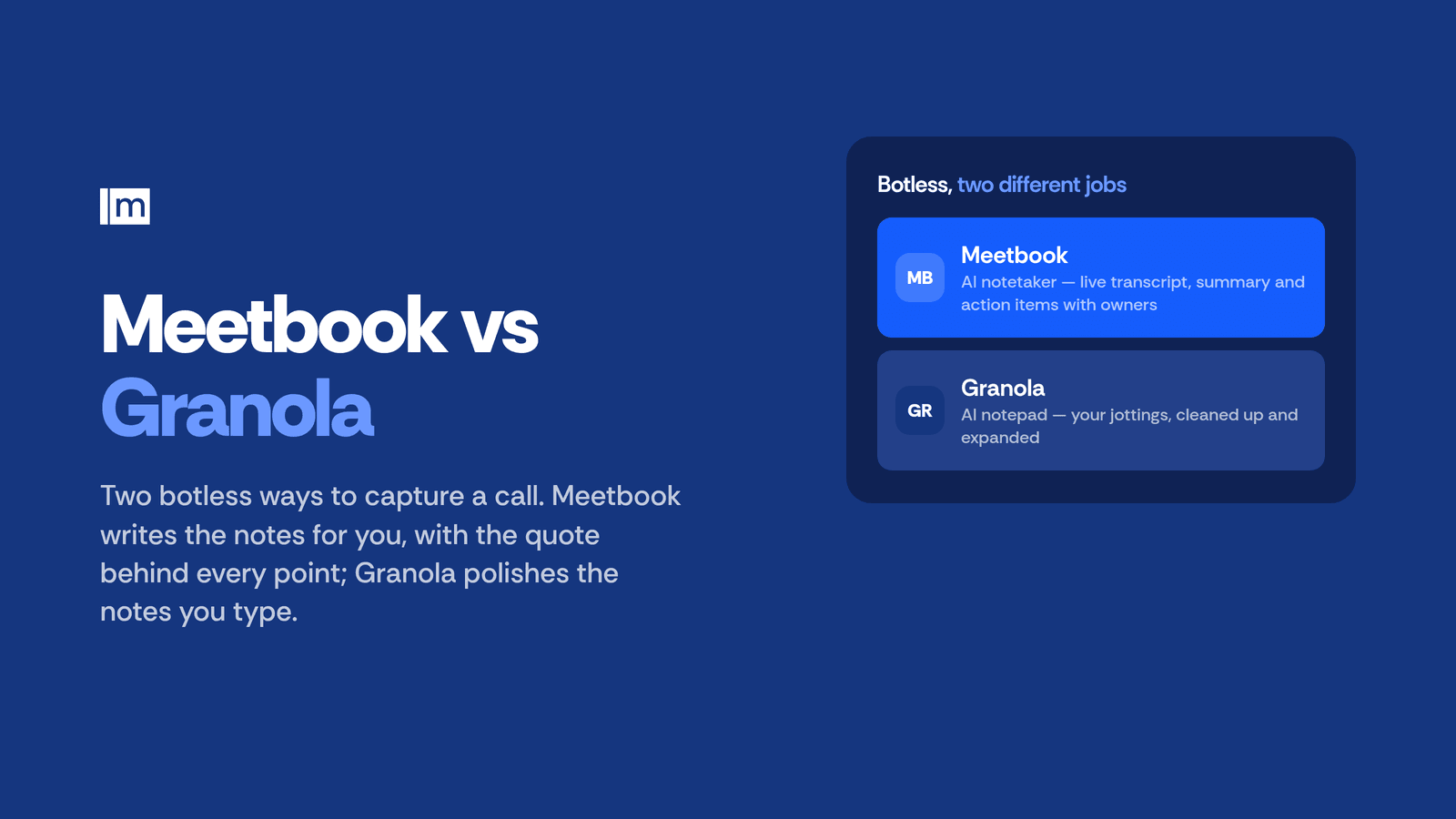
Meetbook vs Granola
The short answer: Meetbook and Granola both capture a meeting without a bot in the call, but they do different jobs. Meetbook is an AI meeting notetaker: it writes a live transcript, a summary and action items with owners, and every point carries the quote it came from with the speaker and timestamp. Granola is an AI notepad: it listens to the call and enhances the notes you type yourself. Meetbook's Ask AI answers questions during the call, while Granola's AI chat works after it. Meetbook Solo is $13.99 a month, and Granola's paid Business plan is $14 per user a month. Both have a free plan and an Android app. Granola's plans and platforms were checked on granola.ai on 23 Nov 2026.
Meetbook and Granola get lumped together as "botless meeting notes", but they answer different questions: do you want the notes written for you, or do you want help polishing the notes you write?
Meetbook vs Granola at a glance
| Meetbook | Granola | |
|---|---|---|
| What it is | AI meeting notetaker | AI notepad |
| Bot in the call | No bot with the Chrome extension; a calendar notetaker joins as a participant if you want it | No bot — captures your device audio |
| Live transcript | Yes, word by word, about 50 languages | No — transcribes to enhance your notes |
| Ask AI during the call | Yes — Catch me up, Summarize so far, Action items | No — chat works after the meeting |
| Every point backed by quote, speaker and timestamp | Yes | No |
| Paid plan (monthly) | Solo $13.99 | Business $14 per user |
| Free plan | $0, no card | $0 (Basic) |
| Android app for in-person meetings | Yes | Yes |
Sources: the Granola pricing page and Meetbook pricing, both checked 23 Nov 2026.
What is the difference between an AI notetaker and an AI notepad?
An AI notetaker records the meeting and produces the notes itself; an AI notepad records the meeting and rewrites the notes you typed. That is the whole difference, and it decides which tool fits.
Meetbook is a notetaker. It records the meeting tab or the room, transcribes what is said, and writes the summary, outline and action items with owners when the call ends. Every bullet in the report carries the quote it came from, with the speaker and timestamp, so a note you can't defend is not a note — it is a guess you can check against the transcript.
Granola describes itself as an AI notepad, not a notetaker. You jot your own rough notes during the call, and Granola listens to the audio and expands those jottings into cleaner notes afterwards. Your notes keep your phrasing and priorities; Granola fills in the detail you missed. Granola's own framing is that a notetaker is a recorder, while a notepad is a working layer you write into.
Picture a discovery call. With a notetaker, you stay on the call and the tool hands you a transcript, a summary and the next steps with owners. With a notepad, you keep a few running jottings — "budget confirmed, timeline Q1" — and the tool turns them into full sentences backed by the audio. Both end with usable notes; one required you to type, the other did not.
The practical question is whether you want to type during the meeting at all. If typing while selling or presenting is the thing you are trying to stop doing, the notetaker is the one that removes it.
Does Meetbook or Granola put a bot in the call?
Neither one has to. Meetbook's Chrome extension records the meeting tab, so no bot joins the call. Granola captures your device audio, so no bot joins either.
There is one difference in how far that goes. Meetbook also has a calendar notetaker that joins as a participant, for meetings you want covered automatically or cannot attend yourself. Granola has no bot-based option at all — device audio is its only capture method. Read more in Meeting Bots vs Botless Recorders.
On the calls you are actually in, both tools are botless.
Do you get a live transcript and notes you can defend?
With Meetbook, yes. The transcript appears word by word while the meeting runs, in about 50 languages with auto-detect. When the call ends, the summary and action items come with the quote behind each point — speaker, timestamp and the exact words — so you can click a note and see what was said at minute 34. You can also click any word in the transcript to jump the recording to that moment.
With Granola, no live transcript. Granola uses the audio to enhance the notes you typed, so the finished note is your phrasing, filled in — but it does not carry the speaker and timestamp that a quoted note carries, because the note came from you rather than from a transcript.
Record your meetings with no bot in the callFree plan, no card needed.Try it free
Can you ask questions during the meeting?
With Meetbook, yes. Ask AI runs during the call with four one-tap prompts: Catch me up, Summarize so far, Draft a reply and Action items. If you join late or zone out for a minute, you can ask what you missed while the meeting is still going.
With Granola, no. Granola's chat works within and across meetings, but after the fact. On Granola's Basic plan, chat is "Auto only"; on Business and Enterprise you also choose which AI model answers.
What can you do with the notes after the meeting?
Meetbook's notes are searchable and shareable. You can send a meeting by link, search and ask across past meetings, and have summaries delivered to Slack and Notion on the Solo plan and above. Meetbook also connects to Claude and ChatGPT through MCP, so your meeting notes become context those tools can read. For sales calls, Meetbook's sales-notes view captures Budget, Authority, Need, Timeline, Objections, Next steps and deal risk, each with the evidence behind it.
Granola's notes feed into Granola's own chat across meetings, shared folders and templates. On the Business plan, Granola adds integrations with Attio, Notion, HubSpot, Affinity and Zapier, plus MCP access and an API. Granola's Business and Enterprise plans also add pre-meeting briefs and follow-up emails.
What does each one cost?
Meetbook has four plans. The Free plan is $0 with no card. Solo is $13.99 a month, or $125.90 a year, which saves 25%. Business is $29.99 per seat a month. Enterprise is self-hosted, listed at $49.99 a month or $335.90 a year. Solo and Business come with a 14-day trial. The full breakdown is in Meetbook Pricing, Plan by Plan.
Granola has three plans, checked on granola.ai/pricing on 23 Nov 2026. Basic is $0 per user a month, with a 30-day meeting history. Business is $14 per user a month and adds unlimited history, advanced AI models, and the integrations above. Enterprise is $35 per user a month and adds SSO and admin controls. Granola's own plan comparison lays out the same three tiers.
On the paid plans the two are nearly a coin flip: Meetbook Solo at $13.99 a month against Granola Business at $14 per user a month.
Does either one train AI on your meetings?
Meetbook does not. Recordings, transcripts and notes are never used to train AI models on any plan — Meetbook's own models or its providers' — and the commitment is written into Meetbook's privacy policy. The details are in Does Meetbook Train AI on Your Meetings?.
Granola lets each user opt out of model training, and on the Enterprise plan an admin can opt the whole team out. Granola also states that third parties like OpenAI and Anthropic are not allowed to train on your data. The difference is default versus opt-out: Meetbook's default is no training, while Granola's is an opt-out you turn on.
Which one should you pick?
Pick Meetbook if you want the notes written for you. If you would rather stay present on the call and get a summary and action items you did not have to type — each one with the quote behind it — that is the notetaker.
Pick Granola if you already type your own notes and want them expanded. If your rough jottings are the point and you want the AI to clean them up rather than replace them, that is the notepad.
The deciding question is not which tool is better — it is whether the notes you want are the ones you type or the ones the call produces. A rep living in back-to-back calls usually wants the transcript and summary written for them; a founder who writes fast and wants a thinking partner over a meeting may prefer the notepad.
To see Granola next to the rest of the field first, The Best Granola AI Alternatives in 2026 compares it against Meetbook and other tools.
Key terms
- AI notetaker — a tool that records a meeting and produces the transcript and notes itself, without you typing.
- AI notepad — a tool that records a meeting and uses the audio to expand and clean up the notes you typed during it.
- Device-audio capture — recording a call from your own computer or phone microphone instead of joining the call as a participant.
- Tab capture — recording the meeting directly from the browser tab, which is how Meetbook's Chrome extension records Google Meet, Zoom, Teams and Webex with no bot in the call.
FAQ
Is Granola a meeting bot?
No. Granola captures audio from your device and does not join the call as a participant.
Does Meetbook join the call as a bot?
Only if you ask it to. Meetbook's Chrome extension records the meeting tab with no bot, and a separate calendar notetaker can join as a participant when you want a meeting covered automatically.
Which is cheaper, Meetbook or Granola?
Both start at $0. On paid plans, Meetbook Solo is $13.99 a month and Granola Business is $14 per user a month.
Does Granola work on Android?
Yes. Granola runs on macOS, Windows, iPhone, Android and Apple Watch. Meetbook also has an Android app for in-person meetings.
Can Granola answer questions during a meeting?
No. Granola's AI chat works within and across meetings after they happen. Meetbook's Ask AI runs during the call.
Does Meetbook train AI on your meetings?
No. Meetbook never trains AI on recordings, transcripts or notes, on any plan.
Do you have to take your own notes with Granola?
Yes — that is the model. Granola enhances the notes you type; it does not write them from scratch the way Meetbook does.
Can you record in-person meetings with either?
Yes. Meetbook's Android app records a conversation across a table with a live transcript, and Granola's mobile app records in-person meetings from your phone. With either, ask before you hit record.