Best AI Note Takers for Zoom Meetings in 2026
The short answer: The best AI note taker for Zoom depends on who hosts your calls and what you do with the notes afterwards. Meetbook works in Zoom meetings you host and ones you are only invited to, either by sending a calendar notetaker into the call or by recording Zoom in Chrome with no bot at all. Meetbook's Free plan includes 300 recording minutes a month with no card, and Solo costs $13.99 a month. Zoom's own assistant (now sold as ZoomMate) gives Zoom Workplace Basic users meeting summaries for 3 hosted meetings a month. Otter, Fireflies, Fathom and Read AI all send a notetaker into Zoom as a participant, and their paid plans start between $16.99 and $20 a month on monthly billing. Prices below were checked on each vendor's site on 12 Nov 2026.
Most Zoom calls end the same way: someone says "great, I'll send a recap", and the recap arrives two days later with half the numbers missing. A note taker fixes that only if the notes are right, land where your team reads them, and still exist when you're the guest on somebody else's Zoom link.
At a glance: AI note takers for Zoom compared
| Tool | Best for | How it gets into Zoom | Free plan | Paid from (billed monthly) |
|---|---|---|---|---|
| Meetbook | Sales and client calls where you need proof of what was said | Calendar notetaker joins as a participant, or the Chrome extension records Zoom in the browser with no bot | Yes: 300 min a month, no card | $13.99 (Solo) |
| Zoom's built-in assistant (ZoomMate) | Hosts who live inside Zoom | Built into Zoom | Yes: summaries for 3 hosted meetings a month | $20 per user (ZoomMate plan) |
| Otter | Teams already using Otter for lectures and interviews | Otter Notetaker joins as a participant | Yes: 300 min a month | $16.99 (Pro) |
| Fireflies | Teams that want a bot invited by email | Fred joins as a participant | Yes | Per seat, on fireflies.ai/pricing |
| Fathom | Individuals who want a quick recap | Joins as a bot, with bot-free capture in beta on Mac | Yes | $20 (Premium) |
| Read AI | People who want meeting metrics | Read joins as a participant | Yes: 5 meetings a month | $19.75 (Pro) |
Prices checked 12 Nov 2026 on zoom.us/pricing/aic, otter.ai/pricing, fathom.ai/pricing and read.ai/plans-pricing. Fireflies' public pricing page showed no figures on 12 Nov 2026, so check it directly.
What should an AI note taker for Zoom actually do?
An AI note taker for Zoom should give you a transcript, a summary and action items without anyone typing, and it should work in every Zoom call on your calendar, not only the ones you host. That second part is where most people get caught out. A sales rep spends half the week on the buyer's Zoom link, a consultant on the client's, a recruiter on the hiring manager's.
Five things separate a useful Zoom note taker from a transcript dump:
- It works when you're the guest. If the tool depends on the host's Zoom account or settings, your notes depend on someone else's plan.
- You choose bot or no bot. Some calls are fine with a visible notetaker in the participant list. A first call with a nervous buyer may not be.
- The notes can be checked. A summary line like "budget approved" is only useful if you can see who said it and when. Meetbook ties every point in the summary to the quote it came from, with the speaker and the timestamp, and a click on any transcript word jumps the recording to that moment.
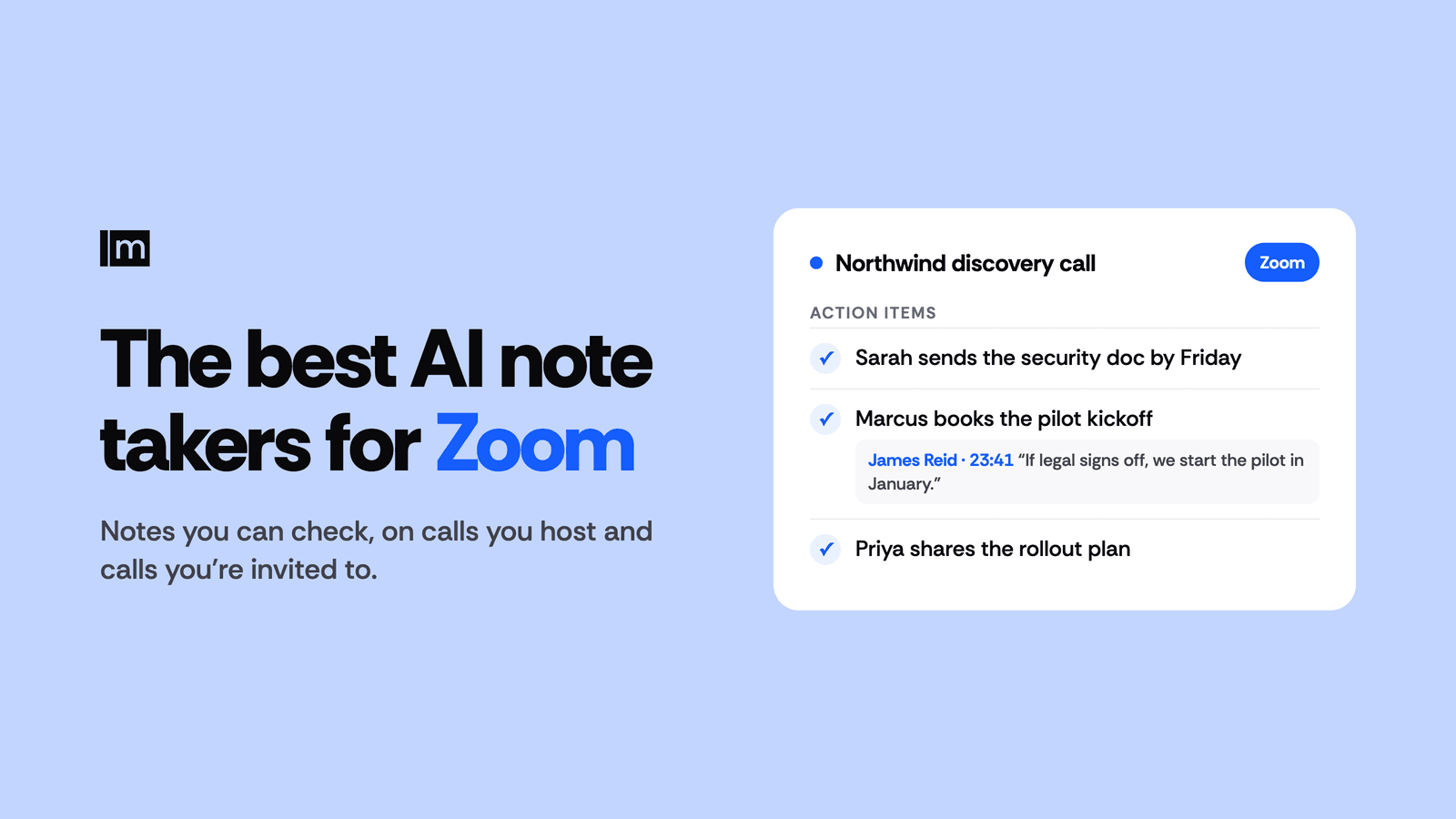
- Action items come with owners. "Send the security doc" is a wish. "Sarah sends the security doc by Friday" is a task.
- The notes go somewhere. A recap nobody opens is the same as no recap. Meetbook delivers summaries to Slack and Notion and lets anyone search and ask questions across every past meeting.
Does an AI note taker have to join Zoom as a bot?
No. There are three ways a note taker gets audio from a Zoom call, and only one of them puts a bot in the room:
- A notetaker that joins as a participant. You connect your calendar, the tool spots the Zoom link, and at meeting time a named participant joins and records. Otter, Fireflies, Fathom and Read AI all work this way, and so does Meetbook's calendar notetaker. It works with any Zoom app the other people use, because the bot joins the meeting itself. The trade-off is visibility: everyone sees it, and a host with a waiting room has to admit it.
- A browser extension that records the tab. Join the Zoom meeting from your browser ("Join from your browser" on Zoom's launch page), and an extension captures the meeting tab. Meetbook's Chrome extension records zoom.us this way, with no bot joining the call. It's the quiet option for calls where a stranger in the participant list would change the room.
- The meeting platform's own assistant. Zoom's built-in assistant runs inside Zoom. On Zoom Workplace Basic, Zoom's pricing page lists meeting summaries and in-meeting questions for 3 hosted meetings a month.
Meetbook gives you both of the first two in one account: the calendar notetaker for meetings you want covered automatically, and the extension for calls where you'd rather not send a bot. More on the difference in meeting bots vs botless recorders.
The best AI note takers for Zoom, one by one
Meetbook
Best for: sales reps, customer success managers and consultants who need to prove what was agreed on a Zoom call.
Meetbook gets into Zoom two ways. Connect Google or Outlook Calendar and the Meetbook notetaker joins every Zoom meeting on it as a regular participant, whether or not you're the host. Or open Zoom in Chrome and record with the Meetbook Chrome extension, with no bot in the call.
While the call runs, Meetbook shows a live transcript word by word in about 50 languages, with auto-detect. Ask AI answers during the call: Catch me up when you joined five minutes late, Summarize so far before you pitch pricing, Draft a reply for the question you weren't ready for, and Action items before everyone drops.
When the call ends, Meetbook writes a summary, an outline and action items with owners. Every point carries the quote it came from, with the speaker and timestamp, so "they want to start in January" links straight to the minute James said it. For sales calls, Meetbook's notes cover Budget, Authority, Need, Timeline, Objections and Next steps, and rate deal risk low, medium or high, each with the evidence behind it.
The same account covers Google Meet, Microsoft Teams and Webex, so a team that runs on Zoom but takes the occasional buyer call on Teams keeps one history. You can search and ask across every past meeting, get a pre-meeting brief for recurring meetings, and connect Claude or ChatGPT to your meeting notes.
Pricing (checked 12 Nov 2026, meetbook.app/pricing): Free includes 300 minutes a month with no card, and every recorded meeting gets a live transcript, a summary and action items. Solo is $13.99 a month and Business $29.99 per seat a month, with a 14-day trial on both; paying annually saves 25%.
Zoom's built-in assistant (ZoomMate)
Best for: hosts who run most of their meetings on their own Zoom account and want notes without adding another tool.
Zoom's assistant, previously marketed as AI Companion and now listed as ZoomMate on Zoom's pricing page, runs inside Zoom, so there's nothing to invite. On Zoom Workplace Basic, Zoom lists meeting summaries and in-meeting questions for 3 hosted meetings a month. The ZoomMate plan is $20 per user a month billed monthly, or $16.67 billed annually (checked 12 Nov 2026, zoom.us/pricing/aic).
The word to notice in that allowance is "hosted": on a buyer's or client's Zoom link, you are not the host. For a full walkthrough of turning it on, what it costs and how Zoom handles your data, see Zoom AI Notetaker, Explained.
Otter
Best for: teams that already use Otter and mostly need transcripts.
Otter connects to your Google or Microsoft calendar and sends Otter Notetaker into scheduled Zoom meetings as a visible participant. Otter's Basic plan is free with 300 transcription minutes a month, and Pro is $16.99 per user a month billed monthly (checked 12 Nov 2026, otter.ai/pricing). Meetbook's Free plan matches Otter's 300 minutes, and Meetbook's paid Solo plan costs $3 a month less than Otter Pro on monthly billing. Compare the two in Meetbook vs Otter, or see the best Otter alternatives.
Fireflies
Best for: teams that like inviting a notetaker by email.
Fireflies' notetaker, Fred, joins Zoom as a participant. You can add it by inviting [email protected] to the calendar event, and if you're a guest, Fireflies says a request is sent to the host to let it in (Fireflies guide). Fireflies has a free plan and charges paid plans per seat. More options in Fireflies alternatives.
Fathom
Best for: individuals who want a fast recap after each call.
Fathom records Zoom calls with a meeting bot, and its pricing page also lists a bot-free capture mode in beta for Mac. Fathom has a free plan for individuals, and Premium is $20 per user a month billed monthly or $16 billed annually (checked 12 Nov 2026, fathom.ai/pricing). Meetbook's Solo plan is $6.01 a month cheaper than Fathom Premium on monthly billing. See Fathom vs Meetbook.
Read AI
Best for: people who want speaker talk-time and engagement metrics.
Read's assistant joins Zoom as a participant, and Read's support pages say a chat notification shows who invited it. Read's Free plan covers 5 meeting transcripts and 5 meeting reports a month, and Pro is $19.75 per user a month billed monthly or $15 billed annually (checked 12 Nov 2026, read.ai/plans-pricing). Meetbook's Free plan meters minutes rather than meetings, so 300 minutes stretches across as many Zoom calls as fit in it. More in Read AI alternatives.
Which AI note taker is best for sales calls on Zoom?
For sales calls on Zoom, pick the note taker whose notes you can defend in a deal review. "The buyer is worried about rollout" is an opinion. "James Reid, 23:41: we got burned on a rollout last year" is evidence your manager can act on.
Meetbook is built around that. Picture a discovery call on the buyer's Zoom link. You join from Chrome, start the Meetbook extension, and talk without a laptop full of half-typed bullets. Forty minutes in, the CFO mentions the budget lands in Q1. You don't write it down. When the call ends, Meetbook's sales notes put Budget, Timeline and Next steps in their own sections, each with the quote and timestamp, and rate the deal risk with the reason. The follow-up email starts from the action items instead of from memory, and you send it the same afternoon.
Managers get the same thing from the other side. Instead of asking "how did it go?", a sales manager opens the meeting, reads the objections section and clicks through to the moment the buyer raised them. For a playbook on running that review, see how sales managers review calls.
Customer success teams use the same notes before a renewal. Search across six months of Zoom calls for every time the customer mentioned "reporting", and the quarterly review writes itself from what they actually said.
How do you set up an AI note taker for Zoom?
Setting up an AI note taker for Zoom takes a few minutes. With Meetbook, you have two routes:
- Automatic, with the calendar notetaker. Sign up at meetbook.app, connect Google or Outlook Calendar, and the Meetbook notetaker joins the Zoom meetings on your calendar. You don't need to be the host. If the host uses a waiting room, the notetaker waits there like any guest until someone admits it, so tell the host it's coming.
- No bot, with the Chrome extension. Install the Meetbook extension from the Chrome Web Store, open the Zoom invite and choose "Join from your browser", then start recording from the extension. The live transcript appears as people talk.
Either way, the summary, action items and transcript land in your Meetbook account when the call ends, ready to share by link. For the full Zoom walkthrough, see Meetbook for Zoom, and for recording Zoom in general, how to record a Zoom meeting.
Do you need permission to use an AI note taker on Zoom?
Yes, in practice: ask before you hit record. Recording laws differ by country and US state, and some require everyone on the call to agree, so the safe habit is to ask every time. One line does it: "Mind if I record this so I can focus on you rather than my notes? I'll share the summary after." Most people say yes, and the ones who say no have told you something useful. This isn't legal advice; check the rules where you and the other people are.
A notetaker that joins as a participant is visible in Zoom's participant list. With a no-bot extension, saying it out loud is how people know.
FAQ
Is there a free AI note taker for Zoom?
Yes. Meetbook's Free plan includes 300 recording minutes a month with no card, and every recorded Zoom meeting gets a live transcript, a summary and action items. Otter, Fireflies, Fathom and Read AI also have free plans.
Does Zoom have its own AI note taker?
Yes. Zoom's built-in assistant, listed as ZoomMate on Zoom's pricing page, writes meeting summaries, and Zoom Workplace Basic includes them for 3 hosted meetings a month (checked 12 Nov 2026).
Can an AI note taker join a Zoom meeting I don't host?
Yes. Meetbook's calendar notetaker joins any Zoom meeting on your calendar as a regular participant, so you don't need to be the host or have host permissions. If the meeting has a waiting room, the host has to admit it.
Can I use an AI note taker on Zoom without a bot?
Yes. Join the Zoom meeting from Chrome and record it with the Meetbook Chrome extension, which captures the meeting tab with no bot joining the call.
Does an AI note taker work with both Zoom and Microsoft Teams?
Yes. Meetbook works with Zoom, Microsoft Teams, Google Meet and Webex, and keeps every meeting in one searchable history. See the Teams notetaker guide.
How much does an AI note taker for Zoom cost?
$13.99 a month for Meetbook Solo, after a free plan with 300 minutes a month. On monthly billing, Otter Pro is $16.99, Read AI Pro $19.75, and Fathom Premium and Zoom's ZoomMate plan $20 each (checked 12 Nov 2026).
Does Meetbook train AI on my Zoom meetings?
No. Meetbook does not train AI on customer recordings, transcripts or notes. The details are in Does Meetbook Train AI on Your Meetings?