Every word, as it’s said.
A live transcript in the Chrome panel, in 10 languages. Tap the flag to mark a moment.
Meetbook records from your browser tab. Nobody new joins the call.


Hit record in the tab, ask the AI mid-call, hang up to a summary with action items.
Live help in the Chrome panel, the summary on the web, and the app for meetings in the room.
A live transcript in the Chrome panel, in 10 languages. Tap the flag to mark a moment.
Ask AI mid-call to catch you up, draft a reply, summarize so far or pull the action items.
The meeting page has the overview, action items with owners, an outline, and the recording with its transcript.
The Meetbook app records the meeting in front of you, with the same live transcript and flags.
Hit share in the panel and the link is copied. Teammates — and anyone you send it to — can open the notes.
No setup project and no admin rollout. Install once and every meeting writes itself.
Install from the Chrome Web Store and pin Meetbook to your toolbar.
Open Meet, Zoom, Teams or Webex in a tab and start recording. Nothing joins the call.
Transcript, summary and action items with owners are waiting when the call ends.
One extension for Google Meet, Zoom, Teams and Webex — whichever tab the call is in.

Open the call in Chrome, hit record, and get a live transcript and a summary with action items.
Join from the Zoom web client and capture the whole meeting with speaker-labelled notes.

Record Teams calls from the browser tab you are meeting in — nothing joins the meeting.
Webex in the browser works the same way: one click on the tab you are meeting in.
Record from your browser tab with the extension, or send the Meetbook notetaker from the web app.
Works directly from browser on any meeting website.
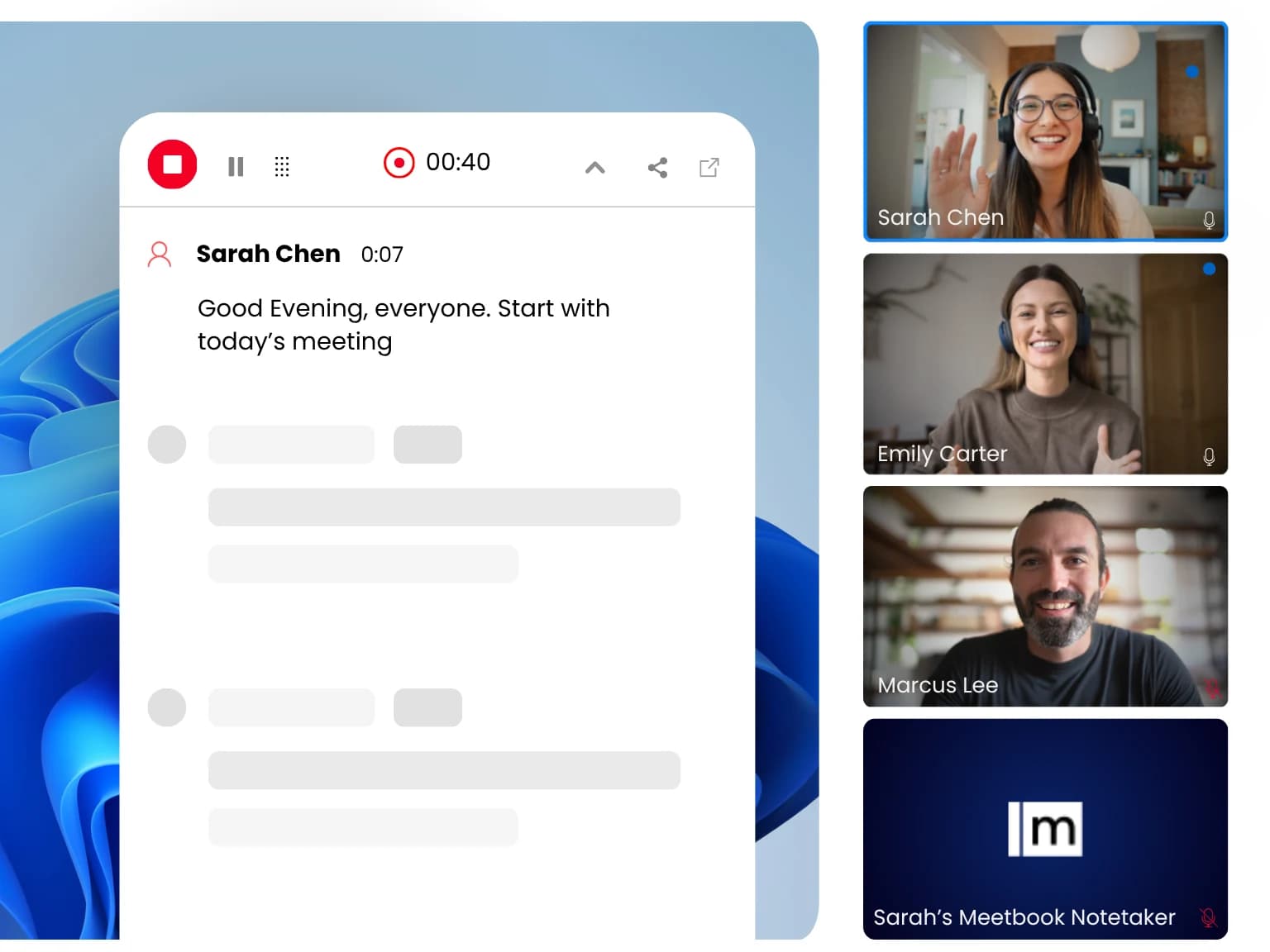
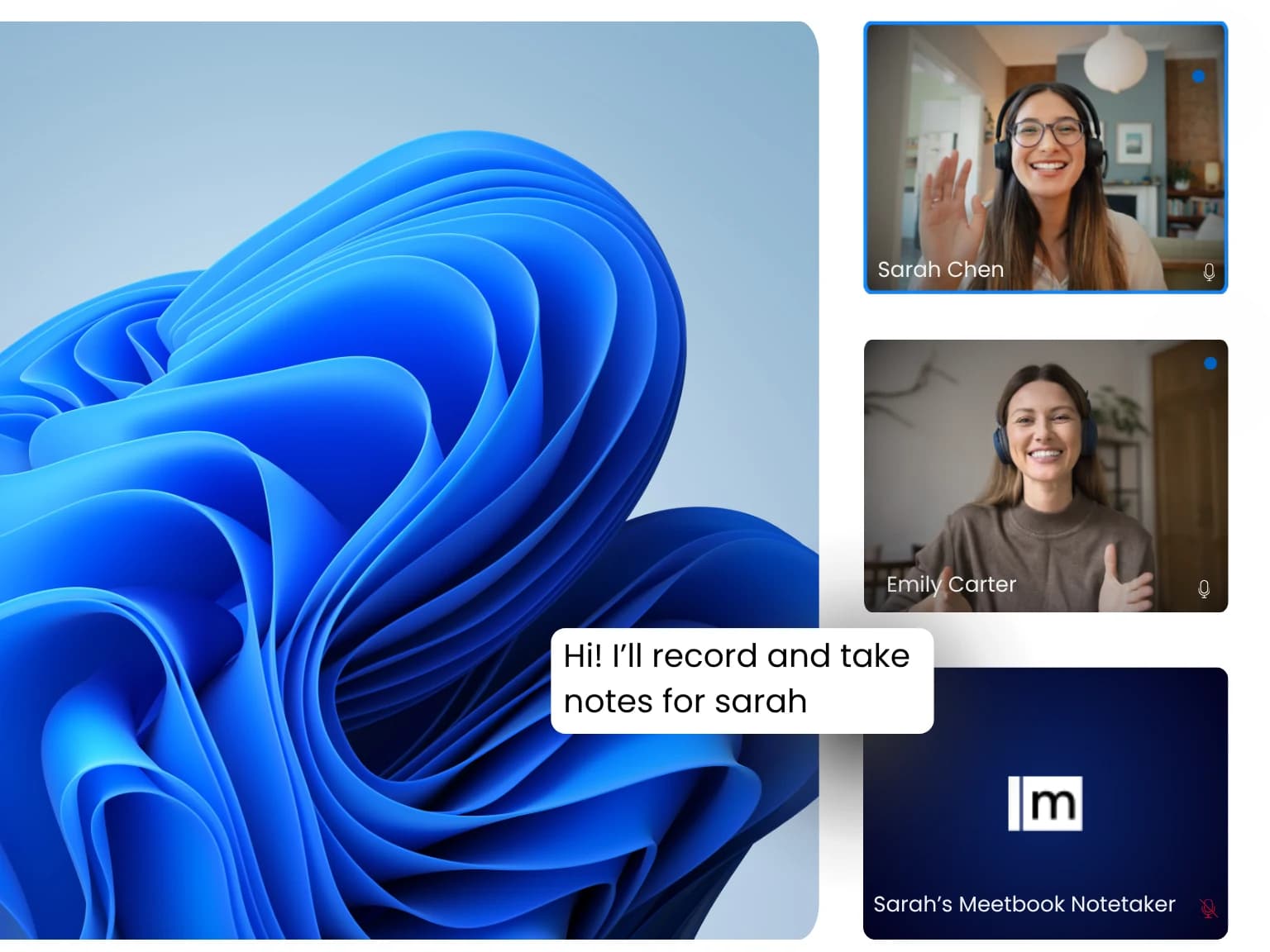
The notetaker records and transcribes on your behalf.
Recordings are sensitive. Here is exactly what the extension can access — and what it never does.
Your meetings are yours. We never use your recordings or transcripts to train AI models, and we never sell your data.
Recordings and transcripts are encrypted on the way to our servers and while they are stored.
Records the meeting tab you start it on — nothing else in your browser.
Remove any recording or transcript permanently, whenever you want.
Read our privacy policy and terms of service.
Install, platforms, privacy — everything you need before you add it to Chrome.
Yes. You can install the Meetbook Chrome extension and start recording on the Free plan, which includes 300 minutes of AI meeting recording per month with transcription, summaries, and action items. Paid plans raise the monthly minutes and the length of each recording.
The extension works with Google Meet, Zoom, Microsoft Teams and Webex when the call is open in Chrome. It transcribes the conversation live and writes the AI summary when the call ends, whichever of these platforms you are on.
Yes. The extension records the meeting directly in your browser tab, so no extra participant appears in the call. If you cannot attend, you can instead send the Meetbook notetaker from the Meetbook web app to join and record on your behalf.
With the extension, recording happens in your tab and no bot is visible to others. The Meetbook notetaker, sent from the web app, joins as a visible participant. Either way, it is your responsibility to inform attendees and obtain consent in line with the laws that apply to your meetings.
The live transcript covers 10 languages — English, Spanish, French, German, Hindi, Russian, Portuguese, Japanese, Italian and Dutch — and detects which one is being spoken automatically.
No, your data is never used to train AI models. All recordings and transcripts are encrypted in transit and at rest, and the extension only accesses the meeting tab you choose to record. You can delete any recording at any time from your Meetbook dashboard.
Yes. Invite your team to a shared Meetbook workspace and everyone can install the extension, record their own calls, and share summaries into common channels and tools. Recordings and notes can be organized by team, channel, or project.
Click "Add to Chrome" to install the extension from the Chrome Web Store, sign in to your Meetbook account, and pin it to your toolbar. From your next call, open the extension and hit record — the transcript fills in live, and the summary opens when the meeting ends.