#How-to Guides
Step-by-step tutorials and guides
 Guides & Tutorials
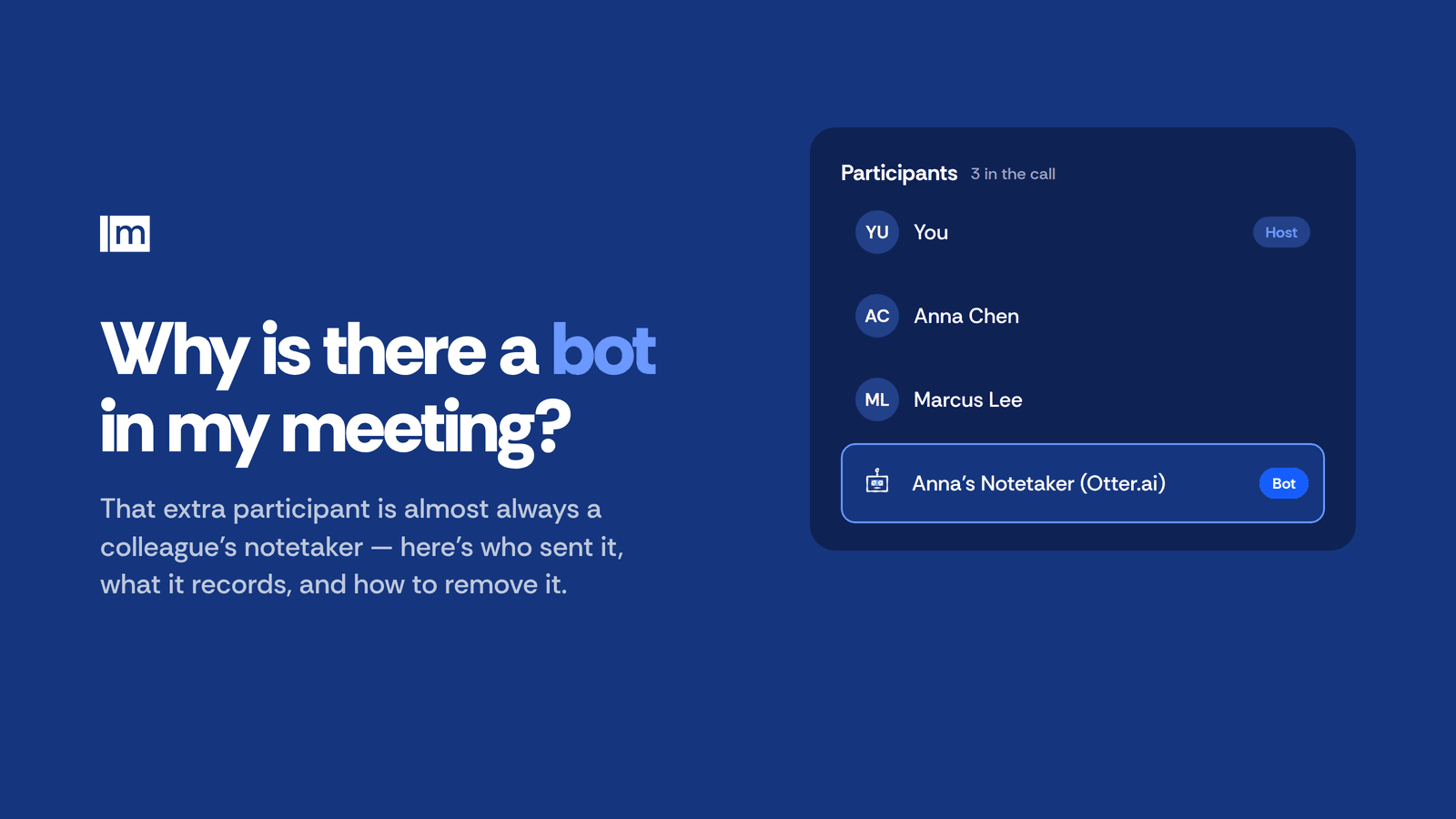
Why Is There a Bot in My Meeting?
The bot is an AI notetaker a participant connected to the meeting — Otter, Fireflies, Fathom, Read AI, or tl;dv, sent automatically through a synced calendar. What it records, who invited it, and how to remove it.
Nov 22, 2026 Guides & Tutorials
How to Stop Fireflies Joining Your Meetings
The Fireflies notetaker (Fred) joins through a synced calendar. Type /ff leave in the chat to remove it from Zoom, Meet, or Teams, or turn off auto-join in Settings. Steps for stopping it for good, plus org-wide admin blocks.
Nov 22, 2026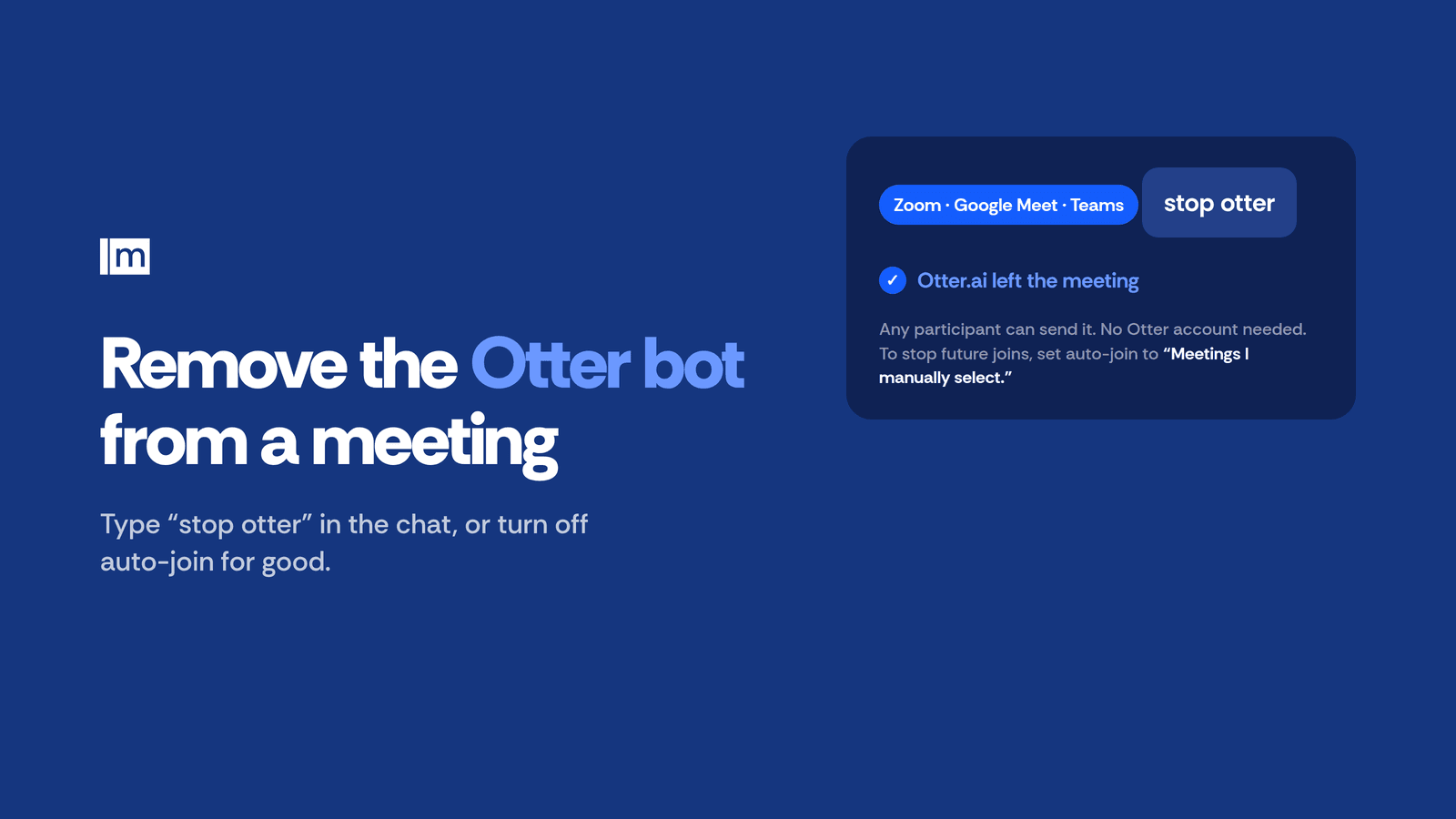 Guides & Tutorials
How to Remove the Otter Bot From a Meeting
The Otter bot joins through a synced calendar, and any participant can remove it by typing 'stop otter' in the chat. Here's how to remove it from Zoom, Google Meet, and Microsoft Teams, stop it auto-joining, and block it org-wide.
Nov 21, 2026 AI & Machine Learning
Can ChatGPT Transcribe Audio?
Yes, ChatGPT transcribes audio, and the route you use changes what you get: file uploads work on paid plans only, Record mode transcribes and summarizes a recording, and Live Dictation transcribes speech in real time. Here's each way, its limits, and what it costs - and when a meeting notetaker does the job better.
Nov 20, 2026 Video Conferencing
How to Transcribe a Webex Meeting
Webex's built-in transcript is English only, paid, and admin-gated. Three ways to transcribe a Webex meeting, including a notetaker that never joins the call.
Oct 30, 2026 Video Conferencing
How to Transcribe a Microsoft Teams Meeting
Teams' built-in transcript is free and good, but who can start and download it depends on your role in the meeting. Here's how to transcribe a Microsoft Teams meeting as organizer or guest, and when to bring a notetaker.
Oct 26, 2026 Video Conferencing
How to Transcribe a Zoom Meeting
Three ways to turn a Zoom meeting into text: live transcription with a notetaker, Zoom's built-in audio transcript, or uploading a recording afterward. Here's which one fits your plan and when you need the text.
Oct 25, 2026 Guides & Tutorials
How to Summarize a Meeting with Action Items
A meeting summary has one job: record what was decided, who's doing what by when, and what's still open. A method that gets all three, written from the transcript rather than memory.
Oct 22, 2026 Note-Taking & Documentation
How to Transcribe a Meeting
Four real ways to get a meeting transcript, from built-in captions to AI notetakers that never join the call. Here's which method fits how you actually meet, and how to get a clean transcript regardless of the tool.
Oct 21, 2026 Note-Taking & Documentation
How to Write Meeting Minutes
Meeting minutes are a record of decisions and owners, not a transcript. Here's how to write them: the three fields that matter, a copy-paste template, and how to verify every action item against the recording.
Oct 20, 2026