Best AI Note Takers for In-Person Meetings in 2026
The short answer: The best AI note taker for an in-person meeting is a phone app you already carry, unless pulling out a phone would feel wrong in that room. Otter, Fireflies, Granola, Fellow and Meetbook all record a meeting in the room through the phone's microphone, and all five have an Android app as of 12 November 2026. Meetbook's Android app keeps recording with the screen off, lets you flag a moment while it happens, and links every point in the summary to the quote it came from. Plaud Note is the best dedicated recorder: it costs $159, records for up to 30 hours on a charge and needs no phone on the table. Ask before you hit record, every time.
A video call hands a note taker everything on a plate: clean audio, a calendar invite, names on the screen. A buyer coffee hands it a hiss machine, two people talking over each other and a phone sliding around next to a cappuccino. That gap is why "best AI note taker" lists, written for Zoom, are the wrong guide for meetings that happen at a table.
Which AI note takers work for in-person meetings?
These are the tools that record a meeting in a physical room, compared on what matters there. Prices were checked on each vendor's pricing page on 12 November 2026 and are per user per month.
| Tool | How it records in a room | Android | Free plan | Paid plan, billed monthly | Best for |
|---|---|---|---|---|---|
| Meetbook | Android app, phone on the table | Yes | 300 min/month, no card | Solo $13.99/mo | Sales and client meetings in person and on video |
| Otter | Phone app | Yes | 300 min/month | Pro $16.99/mo | Lectures and interviews |
| Fireflies | Phone app | Yes | 400 min of storage | Pro $18/seat/mo | Teams already using Fireflies on calls |
| Granola | Phone app (notepad you type into) | Yes, since July 2026 | Basic, 30-day history | Business $14/user/mo | People who like to jot their own notes |
| Fellow | Phone app | Yes | 5 AI notes per user, lifetime | Team $11/user/mo | Teams running agendas and 1:1s in Fellow |
| Plaud Note | Dedicated recorder plus app | Yes, through the Plaud app | 300 min/month of transcription | Device $159, then paid transcription plans | Rooms where a phone on the table feels wrong |
Sources: Otter pricing, Fireflies pricing, Granola pricing, Fellow pricing, Plaud Note, Meetbook pricing.
Why don't meeting bots work in a physical room?
A meeting bot joins a video call as a participant, so it has nothing to join when the meeting is four people around a table. Bot-based note takers such as the calendar notetakers from Fireflies, Otter and Meetbook need a Zoom, Google Meet or Teams link to dial into. Without a link, the only microphone in the room is the one you bring. (For the difference between bots and recorders that capture audio on your own device, see meeting bots vs botless recorders.)
So the real choice for an in-person meeting is not which bot, but which microphone: the phone in your pocket or a device built for the job.
Should you use a phone app or a dedicated recorder?
A phone app is the right call for most people, because the phone is already there and the notes land in the same place as your video-call notes. A dedicated recorder like Plaud Note earns its $159 when the phone is the problem: when it needs to stay free for calls, when its battery won't last a day of meetings, or when a phone face-up on a boardroom table sends the wrong signal.
| Question | Phone app | Dedicated recorder (Plaud Note) |
|---|---|---|
| Upfront cost | $0, you own the phone | $159 for Plaud Note |
| Battery | Shares your phone's battery | Up to 30 hours of continuous recording (Plaud's figure) |
| Discretion | A phone on the table, screen can be off | A thin card, easy to forget it's there |
| Where the notes end up | Same account as your Zoom and Meet notes | Plaud's app, unless you export |
| Consent still needed | Yes | Yes |
The trade most people miss is where the notes end up. A recorder gives you a file and a summary. A phone app tied to the same tool you use for video calls gives you one searchable history: the coffee with the buyer sits next to the follow-up demo on Zoom, and you can ask questions across both.
What should an in-person note taker do that a Zoom note taker doesn't?
Four things separate a tool that survives a real room from one that only survives a demo.
- Keep recording with the screen off. A phone that stops recording when the screen locks, or when you glance at a text, loses the part of the meeting that mattered. Check that the app keeps going in your pocket.
- Let you flag a moment while it happens. In a room you can't scrub back through a transcript mid-conversation. A one-tap flag ("they just named a price") is how you find the moment later.
- Show where each point came from. Room audio is messier than call audio, so summaries are more likely to drift. Notes that link each point to the quote and timestamp it came from let you check a claim in seconds.
- Take a file you already have. Sometimes you used the phone's voice recorder because there was no time to open anything else. Uploading that file afterwards should still get you notes.
How do the main tools handle a meeting in the room?
Meetbook
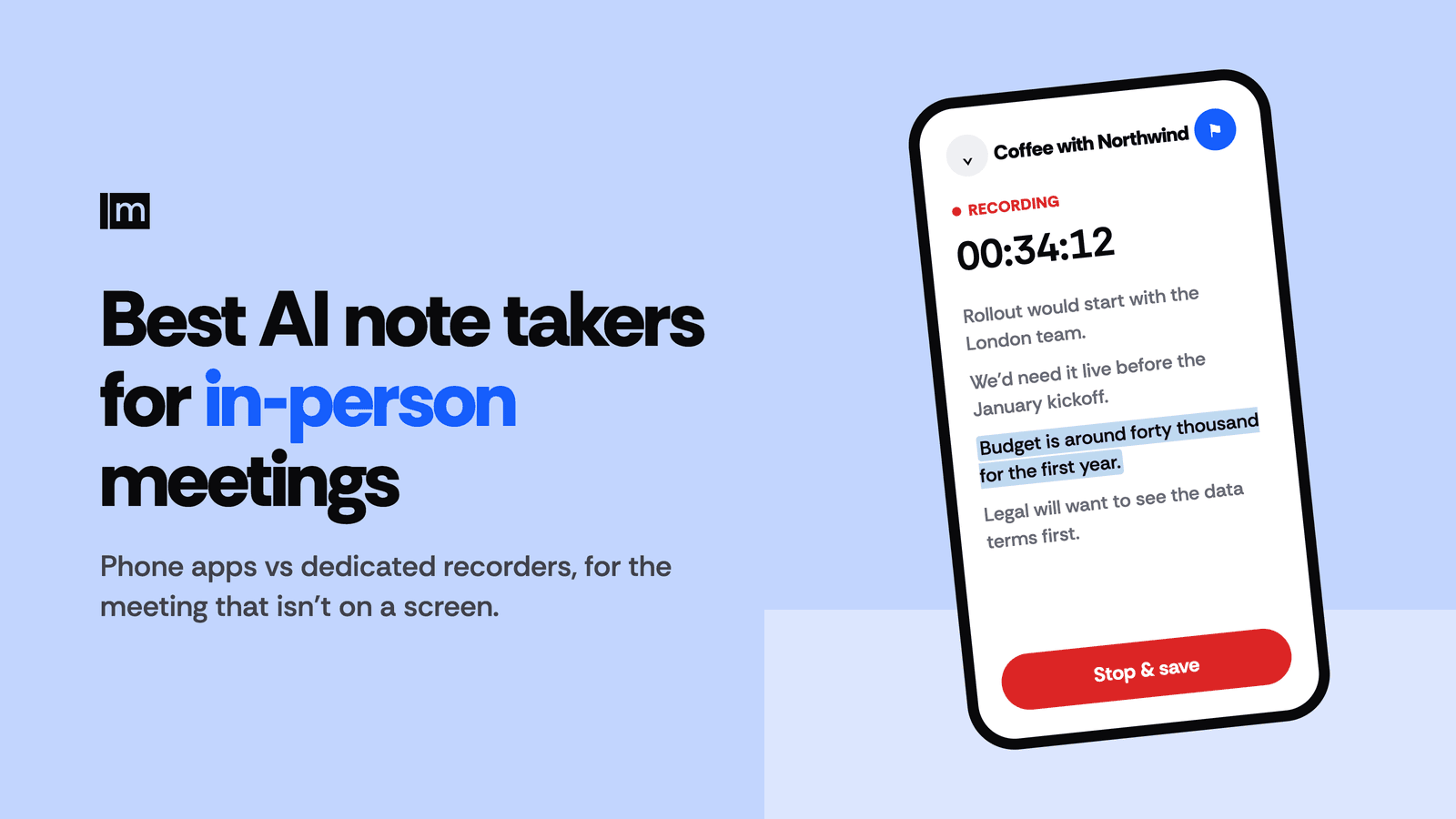
Meetbook's Android app is built for the meeting that isn't on a screen: tap record, lay the phone on the table, and the transcript appears as people talk. The app keeps recording with the screen off or the phone in a pocket (it shows a persistent notification), and you can pause and resume. A flag button marks a moment while it happens, so "the price they named" is one tap away afterwards. When you stop, Meetbook writes a summary and action items with owners, and every point carries the quote it came from with its timestamp. You can ask about one meeting or across all of them from the phone, upload a voice memo or video you recorded earlier, and live transcription covers about 50 languages with auto-detect.
The same account holds your video-call notes from Meetbook's Chrome extension, which records Google Meet, Zoom, Teams and Webex from the browser tab without a bot joining. The Free plan includes 300 minutes a month with no card; Solo is $13.99 a month and Business $29.99 per seat (pricing explained).
- Best for: reps, account managers and consultants on Android who meet buyers in person and on video.
Otter
Otter's mobile app is the longest-running way to record a conversation on a phone, and it has an Android app. Its free Basic plan includes 300 minutes a month. Pro costs $8.33 a month billed annually or $16.99 monthly.
- Best for: lectures, interviews and people already in Otter.
- More: see Otter alternatives and Meetbook vs Otter.
Fireflies
Fireflies lists its Android mobile app among its features, and its own guide to in-person meetings points to that app for job sites, client offices and conference rooms. The free plan includes 400 minutes of storage; Pro is $10 per seat a month billed annually or $18 monthly, and Business $19 or $29.
- Best for: teams that already use Fireflies on video calls and want one library.
- More: see Fireflies alternatives.
Granola
Granola works differently: it is a notepad. You type a few rough notes during the meeting and Granola fills them out from the transcript afterwards. It runs on desktop and, since 1 July 2026, on Android, on every plan. The Basic plan is free with a 30-day meeting history; Business is $14 per user a month.
- Best for: people who think by jotting their own notes.
- More: see Granola alternatives.
Fellow
Fellow's mobile app records meetings through the phone microphone on Android, with or without a calendar event, then writes the summary and action items into Fellow alongside its agendas and 1:1 notes. The free plan is small (5 AI notes per user, lifetime); Team costs $7 per user a month billed annually or $11 monthly.
- Best for: teams that already run meetings in Fellow.
Plaud Note
Plaud Note is a card-sized recorder ($159) that records for up to 30 hours on a charge, holds 64 GB of audio and syncs to Plaud's phone app for transcription and summaries. The device includes 300 transcription minutes a month; the Pro plan raises that to 1,200.
- Best for: people with all-day meetings, and rooms where a phone on the table feels wrong.
Which tool fits in-person sales and client meetings?
For sales, the meeting in the room is often the one that decides the deal, and it's the one with the worst notes. Four situations come up again and again, and each puts a different demand on the tool.
- Coffee or lunch with a buyer. The meeting runs long and the room is loud. You need recording that keeps going in your pocket, and a flag for the moment the buyer names a budget or a date.
- Site visit or walk-through. You are moving, the phone is in your hand or your pocket, and half of what you learn is said in passing. Screen-off recording matters more than anything else here.
- Conference booth. Ten short conversations an hour. You want each one saved as its own meeting you can search later, not one six-hour file.
- QBR across a table. Several people from the customer's side, a deck on the wall, promises made out loud. Action items with owners, and a quote behind each one, are what stop "I never said that" next quarter.
If you also run your video calls through the same tool, the in-person notes and the Zoom notes end up in one place, and the next meeting starts from everything that was said, not from whichever notes you typed up. The step-by-step setup for the phone-on-the-table method is in how to record an in-person meeting.
How do you ask before you hit record?
Ask out loud, before the meeting starts, in one sentence: "Mind if I record this so I can listen instead of typing? I'll share the notes after." Most people say yes, and the ones who say no have told you something useful.
The law depends on where everyone is. US federal law and most states require one party's consent, but the Reporters Committee for Freedom of the Press counts about 11 states that require every party to agree (Reporter's Recording Guide). In the EU and UK, data protection law applies as well. Asking everyone covers every case, and in a meeting with a customer it is simply good manners. This is not legal advice; check your company's policy and local law.
FAQ
What is the best free AI note taker for in-person meetings?
Meetbook's Free plan includes 300 recording minutes a month on Android with no card, and it keeps the summary, action items with owners and Ask AI across your meetings. Plaud Note also includes 300 transcription minutes a month, after you buy the $159 device.
Can an AI note taker record a meeting without a bot?
Yes. In a physical room every AI note taker works without a bot, because it records through your phone's microphone or a dedicated recorder. Bots only exist for video calls, where they join the call as a participant.
Do I need a device like Plaud, or is my phone enough?
Your phone is enough for most in-person meetings. A dedicated recorder like Plaud Note ($159, up to 30 hours of recording) is worth it if your phone's battery won't last your meeting day or a phone on the table feels out of place.
Will the app keep recording if my phone screen turns off?
Yes, for Meetbook's Android app, which keeps recording with the screen off or the phone in your pocket and shows a persistent notification. Check this on any app before you rely on it in a real meeting.
Is it legal to record an in-person meeting?
Yes, with consent. In the US most states need one party's consent, but about 11 states require everyone's, so ask everyone in the room before you start. This is not legal advice.
Can I get notes from a recording I already made?
Yes. Meetbook lets you upload an audio or video file you recorded earlier and get the same summary and action items, and you can then ask questions about it alongside your other meetings.